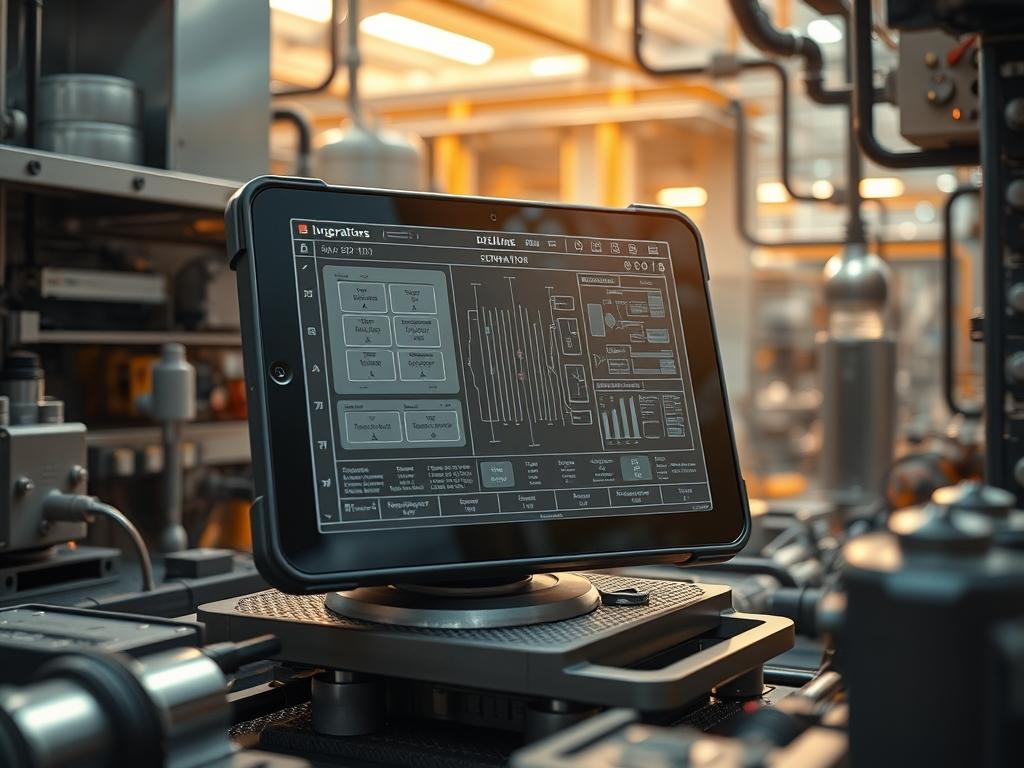
Rugged tablet drop ratings define the boundary between operational continuity and catastrophic failure in field-deployed mobile infrastructure. In sectors such as municipal water management or high-voltage energy distribution; hardware is the primary edge-node for data ingestion and supervisory control. Standard consumer tablets exhibit high latency and structural failure when subjected to the kinetic energy of a meter-plus fall. This creates a bottleneck in the technical stack; where packet-loss and hardware downtime interrupt the real-time telemetry required for infrastructure health monitoring. By adhering to specific MIL-STD-810H protocols; rugged tablet drop ratings ensure that the internal PCB remains isolated from external G-force impacts. This manual provides the architectural framework for evaluating; testing; and deploying these assets within high-availability environments. We address the mechanical encapsulation requirements and the signal-attenuation risks associated with protective chassis design; ensuring that the payload of critical data reaches the cloud-based gateway without interruption.
Technical Specifications
| Requirement | Operating Range | Protocol/Standard | Impact Level (1-10) | Recommended Resources |
| :— | :— | :— | :— | :— |
| Mechanical Drop Resistance | 1.2m to 3.0m (4ft to 10ft) | MIL-STD-810H Method 516.8 | 9 | Magnesium Alloy / Shore A 70 TPU |
| Vibration Mitigation | 5Hz to 500Hz | ASTM D4169-16 | 7 | Low-Density Silicone Dampeners |
| Ingress Protection | IP65 to IP68 | IEC 60529 | 8 | Dual-Shore Gaskets / Gore-Tex Vents |
| Thermal Operating Range | -20C to +60C | NEMA TS2 | 6 | Heat Pipes / Active Vapor Chambers |
| Interface Integrity | 10,000 Mating Cycles | USB-IF / IEEE 802.3 | 5 | Reinforced Type-C Port Brackets |
Configuration Protocol
Environment Prerequisites:
1. Compliance with MIL-STD-810H testing methodology for shock and transit drop.
2. Calibration of a fluke-multimeter for verifying trace continuity post-impact.
3. Access to logic-controllers that simulate field-level data throughput during vibration cycles.
4. Deployment of IEEE 802.11ax wireless access points to monitor signal-attenuation during physical stress.
5. Standard Operating Environment (SOE) running Android 12/13 or Windows 11 IoT Enterprise; with chmod 755 permissions on diagnostic scripts stored in /usr/local/bin/diag.
Section A: Implementation Logic:
The engineering philosophy behind rugged tablet drop ratings centers on kinetic energy dissipation through a multi-layered encapsulation strategy. At the core; the PCB is suspended using a floating mount system to reduce the G-force delta during decelleration. The outer chassis acts as a primary sacrificial layer; redirecting impact energy away from the display stack and battery housing. This is an idempotent design; the device must provide the same level of performance and data integrity regardless of the number of minor shocks it sustains. By managing thermal-inertia within the sealed housing; we ensure that the CPU does not throttle during high-concurrency tasks even when external temperatures rise due to solar radiation.
Step-By-Step Execution
1. Verify Mechanical Chassis Torque
Ensure all T5 Torx screws are tightened to exactly 0.5 Nm. Use a calibrated digital torque driver to verify the structural compression of the IP67 gasket seals around the perimeter.
System Note: Precise torque ensures that the structural encapsulation of the tablet prevents microscopic shifting of the motherboard during an impact event; which maintains the integrity of the SATA or NVMe connections.
2. Calibrate Internal Accelerometer
Navigate to the system diagnostic shell and execute /system/bin/sensor_cal. Rotate the device through all three axes (X, Y, Z) to define the zero-G baseline.
System Note: The kernel uses this baseline to trigger a “Head Park” command for legacy mechanical drives or a “State Freeze” for volatile memory buffers if a free-fall is detected; minimizing the risk of a corrupted data payload.
3. Initialize I/O Port Stress Test
Connect the device to a logic-controller via the USB 3.2 Gen 2 port. Run a continuous file transfer script located at /opt/scripts/io_stress.sh while the tablet is placed on a vibration table.
System Note: This validates that vibration-induced signal-attenuation does not cause a drop in throughput; ensuring the physical layer (Layer 1) remains stable under mechanical stress.
4. Monitor Thermal-Inertia During Load
Execute systemctl start thermal_monitor.service and observe the CPU temperature delta. Gradually increase the processing load to 90 percent using a synthetic benchmarking tool.
System Note: Ruggedized housings often suffer from poor heat dissipation due to thick protective layers. This step ensures that the thermal management system can handle the overhead of both heavy computation and environmental heat without triggering a thermal shutdown.
5. Validate Display Bond Integrity
Perform a visual inspection using a high-resolution macro-camera to detect any delamination between the Gorilla Glass and the underlying LCD/OLED panel after a simulated drop.
System Note: Delamination creates air gaps that lead to internal reflections and touch-layer latency; impacting the user’s ability to input data into the SCADA interface.
Section B: Dependency Fault-Lines:
The primary bottleneck in achieving high rugged tablet drop ratings is the conflict between weight and durability. Increasing the mass of the TPU bumpers increases the kinetic energy at the moment of impact. Furthermore; the use of metal shielding to enhance structural rigidity can cause significant signal-attenuation for internal GNSS and LTE antennas. If the device fails to reconnect to the APN after a drop; check the internal IPEX connectors for mechanical displacement. A common failure point is the battery connector; which can become unseated if the connector’s retention bracket is not properly torqued.
Troubleshooting Matrix
Section C: Logs & Debugging:
When a device experiences a failure after a drop or excessive vibration; the internal logs provide the first line of diagnostic evidence. Access the kernel log via dmesg | grep -i “critical” or inspect the persistent logs at /var/log/hardware_events.log.
- Error: “I2C Bus 03: Timeout”
* Description: This indicates a communication failure between the CPU and a peripheral sensor (e.g., the touchscreen or the compass).
* Resolution: Check for ribbon cable displacement. Re-seat the ZIF connector at the /dev/i2c-3 hardware address.
- Error: “EXT4-fs (nvme0n1p2): I/O error; dev nvme0n1p2; sector 4096”
* Description: Corrupted data sectors caused by physical shock during a write operation.
* Resolution: Run fsck -y /dev/nvme0n1p2. If the error persists; the NVMe controller has likely sustained hardware damage.
- Visual Cue: Screen Flickering
* Log Entry: “GPU: Display port link training failure.”
* Meaning: The high-speed data traces between the GPU and the display are compromised.
* Verification: Use a fluke-multimeter to check for continuity across the EDP cable pins.
Optimization & Hardening
Performance Tuning:
To maintain high throughput in rugged environments; adjust the kernel’s scheduler to prioritize I/O operations for telemetry services. Edit /etc/default/grub to include elevator=deadline. This ensures that the system can recover quickly from temporary latency spikes caused by mechanical vibrations interfering with the storage controller.
Security Hardening:
Physical security is as critical as digital security. Ensure that the BIOS/UEFI is password-protected to prevent unauthorized access via the physical USB ports if a tablet is lost in the field. Configure the iptables firewall to restrict incoming traffic; allowing only authorized SSH connections from the central management console. Implement an “At-Rest” encryption policy for the entire storage partition using LUKS; which ensures that even if the hardware is physically breached; the data payload remains encrypted.
Scaling Logic:
As the fleet of rugged tablets expands; utilize an MDM (Mobile Device Management) platform to push idempotent configuration updates. Use Ansible or Puppet to ensure that every device in the network maintains the same version of the thermal management firmware and security patches. This reduces the administrative overhead of managing hundreds of disparate hardware assets in a high-traffic infrastructure environment.
The Admin Desk
How do I verify if a tablet is MIL-STD-810H certified?
Request the third-party lab test report from the manufacturer. Look for specific mention of Method 516.8 Procedure IV (Transit Drop). Manufacturer self-certification is often insufficient for high-risk utility infrastructure environments.
What is the impact of a drop on battery longevity?
A significant impact can cause internal lithium-ion pouch compression. Check the battery swelling status via the system health tool at /sys/class/power_supply/BAT0/uevent. If the VOLTAGE_MAX_DESIGN deviates significantly; replace the cell immediately.
Can rugged tablets handle 5G signal-attenuation in metal enclosures?
Yes; provided they use external antenna pass-throughs or “Windowing” techniques in the magnesium chassis. Always test the RSRP and RSRQ values in a shielded environment to ensure the throughput meets the minimum mission requirements.
Is IP68 protection redundant if the tablet is only used indoors?
No. In infrastructure sites like water treatment plants; high humidity and accidental submersion are constant risks. IP68 ensures the internal electronics are protected from corrosion; which is a long-term failure mode for non-ruggedized devices.
Why does my tablet throttle after a 3-foot drop?
The drop may have displaced a thermal pad or heat pipe. Monitor the thermal-inertia and check if one specific CPU core is hitting the T-junction limit faster than others; indicating inconsistent contact with the heat sink.

