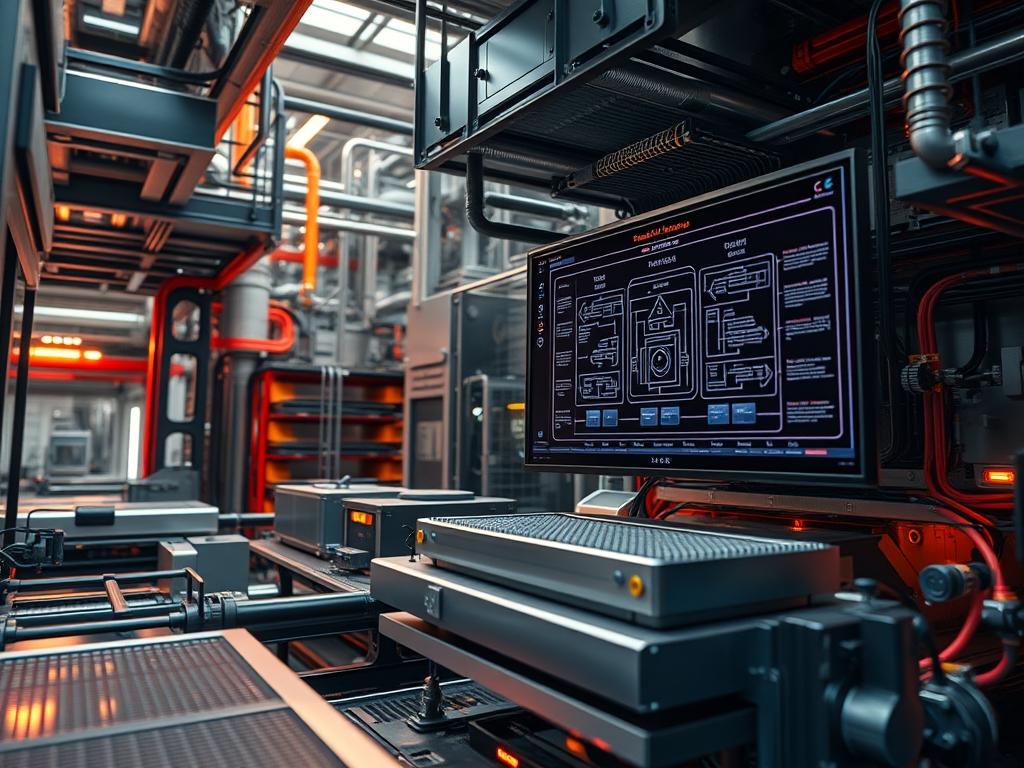
Modern AI accelerator thermal design has transitioned from a supporting engineering concern to the primary constraint governing the scalability of high-density compute clusters. As Deep Learning (DL) models transition from billions to trillions of parameters, the resulting heat flux at the silicon die level has surpassed the physical limits of forced-air convection. The contemporary technical stack integrates the AI accelerator directly into a broader infrastructure matrix that spans energy monitoring, water chemistry management, and high-performance network orchestration. The “Problem-Solution” context is defined by the requirement to dissipate thermal loads exceeding 700W to 1000W per chip while maintaining a Power Usage Effectiveness (PUE) below 1.10. High-performance accelerators now utilize Direct-to-Chip (DTC) liquid cooling to mitigate the thermal-inertia of massive heatsinks; this enables higher rack density and sustained throughput during long-running training epochs. This manual outlines the architectural requirements for integrating these thermal solutions into a production environment.
Technical Specifications
| Requirement | Default Port/Operating Range | Protocol/Standard | Impact Level (1-10) | Recommended Resources |
| :— | :— | :— | :— | :— |
| Inlet Water Temp | 27C to 32C (W4 Class) | ASHRAE 90.4 | 9 | 1.5LPM per Cold_Plate |
| Telemetry Access | Port 623 (UDP) | IPMI v2.0 / Redfish | 7 | 2 vCPUs / 4GB RAM |
| Fluid Flow Rate | 1.2 to 2.5 LPM | ISO 21850 | 10 | EPDM_Tubing / QDs |
| Dielectric Strength | > 10^8 Ohm-cm | ASTM D877 | 8 | Fluorinated_Fluid |
| Thermal Monitor | /dev/thermal_zone* | Linux Kernel generic | 6 | Logic_Controllers |
| Network Telemetry | Port 161 (UDP) | SNMP v3 | 5 | Cat6a Shielded |
The Configuration Protocol
Environment Prerequisites:
1. Standards Compliance: All electrical installations must adhere to NEC Article 645 (Information Technology Equipment) and IEEE 802.3 standards for network-integrated cooling telemetry.
2. Hardware Firmware: Accelerators must be flashed with a minimum VBIOS version that supports the PL1 and PL2 power limit states for liquid-cooled environments.
3. Software Dependencies: Install ipmitool, lm-sensors, and the snmpd daemon on the primary orchestration node.
4. User Permissions: Root or sudo access is mandatory for modifying kernel-level thermal management files and interacting with the i2c-dev drivers.
Section A: Implementation Logic:
The engineering philosophy behind liquid AI accelerator thermal design is centered on maximizing the heat transfer coefficient (h) while minimizing the pressure drop across the manifold. Unlike air cooling, where the heat capacity fluctuates with ambient humidity and pressure, liquid cooling provides a stabilized thermal-inertia that allows for more aggressive clock speeds. The setup utilizes an idempotent control loop where the CDU (Coolant Distribution Unit) dynamically adjusts flow rates based on real-time TDP (Thermal Design Power) reporting. By managing the delta-T (temperature difference) between the inlet and outlet to a tight range (typically 5C to 10C), the system minimizes the expansion and contraction of mechanical joints, thereby reducing the risk of fatigue failures. This loop must be synchronized with the job scheduler to pre-chill the fluid before a high-concurrency payload is dispatched to the GPU cluster.
Step-By-Step Execution
1. Initialize Sensor Telemetry
Run the command ipmitool -I lanplus -H [NODE_IP] -U [USER] -P [PASS] sensor list | grep -i ‘Temp’. System Note: This action queries the Baseboard Management Controller (BMC) to map the internal thermistors of the AI_ACCELERATOR. It allows the administrator to verify that the Silicon_Die and HBM_Modules are reporting temperatures within the expected ambient range before fluid pressure is applied.
2. Verify Kernel Thermal Driver Attachment
Execute ls /sys/class/thermal and inspect the output for thermal_zone entries. System Note: The Linux kernel uses these paths to interface with the ACPI tables. Bypassing or misconfiguring these drivers Can lead to a total system shutdown if the PROCHOT signal is triggered by a lack of perceived cooling.
3. Calibrate Fluid Flow Rates
Utilize a fluke-multimeter with a flow-meter attachment or query the CDU interface using curl -X GET http://[CDU_IP]/api/v1/flow. System Note: Flow rate must be verified at the rack level to ensure that the throughput of the secondary loop is sufficient to prevent localized boiling or cavitation within the Micro_Channel architecture of the cold plate.
4. Enable Hardware-Level Thermal Throttling
Modify the configuration at /etc/default/grub to include intel_pstate=passive or the equivalent for the specific AI architecture. System Note: This settings shift ensures that the hardware handles extreme thermal excursions at the substrate level, providing a fail-safe mechanism that operates independently of the high-level orchestration software.
5. Configure Leak Detection Logic
Set permissions for the leak detection script using chmod +x /usr/local/bin/leak_detect.sh. System Note: This script monitors the resistance of the Leak_Detection_Rope installed at the base of the rack. If a low-resistance state is detected (indicating the presence of conductive fluid), the logic-controllers must trigger an immediate EMO (Emergency Power Off) to prevent a catastrophic short circuit across the high-voltage busbar.
Section B: Dependency Fault-Lines:
The most common point of failure in liquid AI accelerator thermal design involves the chemical degradation of the coolant. If the pH level of the glycol-water mixture drifts, it leads to galvanic corrosion between the copper cold plate and any aluminum fittings in the loop. Another significant bottleneck is air entrapment; even a small air pocket can cause a massive spike in latency regarding heat transfer, leading to thermal throttling. Similarly, signal-attenuation in the PWM (Pulse Width Modulation) cables connecting the BMC to the pump can result in erratic flow rates, causing the system to chase its own tail in a feedback loop.
THE TROUBLESHOOTING MATRIX
Section C: Logs & Debugging:
When a thermal excursion occurs, the first point of analysis should be the dmesg output and the /var/log/mcelog file. Look for strings such as “Machine Check Exception: Thermal Throttling” or “Critical Temperature Reached.” These indicate that the silicon has surpassed its Tjunction limit.
If the CDU reports a “Differential Pressure High” error, inspect the Y-Strainers and the Quick_Disconnects. A common physical fault code is a flashing red LED on the Manifold controller, which typically maps to a flow rate below the 0.5 LPM threshold. To verify sensor accuracy, use a fluke-multimeter to measure the resistance of the NTC_Thermistor probes: compare these readings against the data returned by sensors in the terminal to identify potential sensor drift.
Verify the PID_Loop constants in the CDU firmware. If the system is oscillating—constantly ramping pump speed up and down—it suggests that the “P” (Proportional) gain is set too high for the volume of fluid in the loop. This oscillation increases the overhead of the cooling system and can lead to premature pump failure.
OPTIMIZATION & HARDENING
– Performance Tuning: To maximize throughput, adjust the Scaling_Governor in the Linux kernel to “performance” and set the Power_Cap of the accelerators to 10% above the base TDP, provided the fluid inlet temperature remains below 30C. Optimize the Concurrency of the cooling fans on the primary heat exchanger to match the heat-rejection curve of the accelerator’s specific workload.
– Security Hardening: Ensure that the cooling management network is on a physically isolated VLAN. Use iptables to restrict access to the IPMI and SNMP ports to only the management subnet. Hardware-wise, ensure all Liquid_Lines are secured with locking Quick_Disconnects to prevent accidental or malicious disconnection while the system is under pressure.
– Scaling Logic: As you expand from a single rack to a full pod, implement a “Leaded-Follower” pump strategy. This allows the system to maintain a constant pressure across the entire manifold even as more nodes are added. Use idempotent deployment tools like Ansible to ensure all nodes have identical Thermal_Threshold variables in their firmware.
THE ADMIN DESK
FAQ 1: What is the optimal coolant for AI racks?
Use a mixture of 25% inhibited Propylene Glycol and 75% Deionized Water. This ratio balances heat capacity with corrosion inhibition, ensuring the throughput of the thermal transfer remains consistent over multi-year deployments without clogging the micro-channels.
FAQ 2: Why are my GPUs throttling at 70C?
Check the HBM3e temperature specifically. AI accelerators often throttle based on memory temperature rather than the core die temperature. Liquid cooling must address the memory stacks directly via a full-cover Cold_Plate to prevent latency in data processing.
FAQ 3: How does thermal-inertia affect my cluster?
High thermal-inertia means the system takes longer to heat up and cool down. This can mask underlying flow issues during short benchmarks. Always run stress tests for at least 60 minutes to ensure the fluid loop has reached thermal equilibrium.
FAQ 4: Can I use tap water for the secondary loop?
Absolutely not. Tap water introduces minerals that cause scale buildup on the AI_ACCELERATOR internal surfaces, increasing thermal resistance. This leads to signal-attenuation across thermal probes and eventual hardware failure due to localized hotspots.
FAQ 5: What is the impact of packet-loss on cooling?
In network-integrated cooling, packet-loss between the temperature sensors and the CDU can cause the pumps to stall at their last known speed. Implement a “Fail-to-Max” logic where the loss of telemetry data triggers maximum pump flow for safety.

