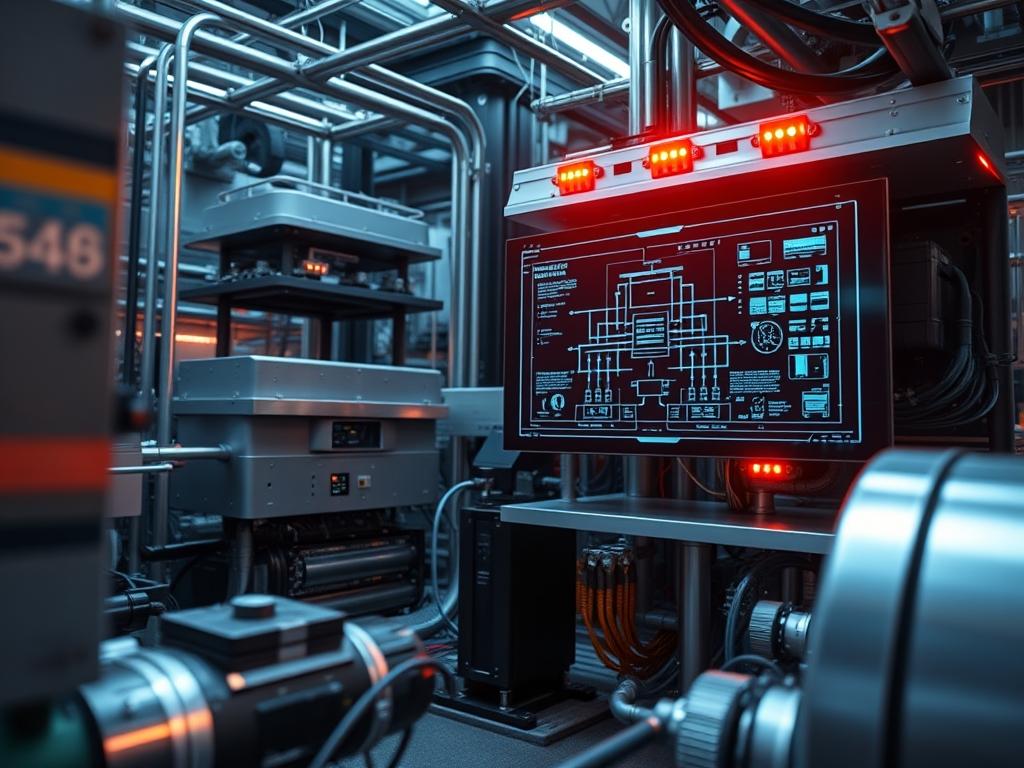
Managing san power consumption data is a critical requirement for infrastructure architects who must balance high-density storage throughput with the physical constraints of data center thermal-inertia. As storage clusters scale to petabyte levels, the electrical overhead of the Storage Area Network (SAN) becomes a dominant factor in the Total Cost of Ownership (TCO). This data is not merely a utility metric; it represents the operational heartbeat of the storage fabric. By analyzing wattage draw alongside IOPS and latency, administrators can identify inefficient disk tiers, failing power supply units (PSUs), or suboptimal cooling configurations. The primary challenge lies in the extraction of granular telemetry from heterogeneous hardware environments.
Traditional monitoring often relies on top-down estimates based on nameplate ratings; however, this approach lacks the precision needed for modern green-computing initiatives. Real-time san power consumption data allows for the implementation of dynamic power-capping policies, ensuring that the storage layer does not exceed the allotted power envelope during periods of high concurrency. Whether utilizing Fibre Channel (FC) or iSCSI, the energy signature of the SAN provides early warning signals regarding hardware degradation. This manual provides the technical framework for capturing these metrics, from the physical sensor layer to the management orchestration logic.
TECHNICAL SPECIFICATIONS
| Requirement | Default Port/Operating Range | Protocol/Standard | Impact Level | Recommended Resources |
| :— | :— | :— | :— | :— |
| Out-of-Band Telemetry | UDP/623 | IPMI 2.0 / Redfish | 9 | Dedicated BMC |
| Environmental Querying | UDP/161 | SNMPv3 (AES/SHA) | 7 | 256MB RAM / 1 vCPU |
| Thermal Management | 18C to 27C | ASHRAE A1-A4 | 10 | High-flow Fans |
| Controller Interface | TCP/443 | REST API / JSON | 5 | 2GB RAM / 2 vCPU |
| Bus Voltage Monitoring | 12V / 5V / 3.3V | I2C / SMBus | 8 | Logic Controller |
THE CONFIGURATION PROTOCOL
Environment Prerequisites:
1. Hardware Requirements: SAN controllers must support the Intelligent Platform Management Interface (IPMI) version 2.0 or the DMTF Redfish standard.
2. Software Dependencies: Installation of ipmitool for Linux-based systems or an equivalent Logic Controller interface.
3. Network Configuration: A dedicated out-of-band (OOB) management network is required to isolate telemetry traffic from the high-throughput storage fabric.
4. Security Permissions: Administrative or “Operator” level credentials on the Baseboard Management Controller (BMC) are necessary to poll the SDR (Sensor Data Record).
5. Standards Compliance: Alignment with the NEC (National Electrical Code) for physical load balancing and IEEE 802.3 standards where applicable.
Section A: Implementation Logic:
The engineering design for extracting san power consumption data hinges on the principle of non-interference. We prioritize out-of-band collection to ensure that monitoring overhead does not introduce latency or jitter into the storage I/O path. The implementation logic follows a three-tier encapsulation model. First, raw electrical signals are converted to digital values by the PSU microcontrollers. Second, these values are aggregated by the storage processor via the I2C bus. Third, the data is exposed through a standardized payload (SNMP or JSON) for consumption by the monitoring engine. By focusing on the total wattage at the FRU (Field Replaceable Unit) level, we bypass the complexities of internal component measurement while maintaining an accurate view of the energy footprint per storage node.
Step-By-Step Execution
Step 1: Initialize the IPMI Session
Execute the command: ipmitool -I lanplus -H [CONTROLLER_IP] -U [ADMIN_USER] -P [PASSWORD] sdr type “Power Supply”
System Note: This command initiates a session via the lanplus interface, which utilizes encrypted payloads. It queries the SDR to identify every physical PSU in the SAN chassis and reports its current status and wattage. This action touches the lower-level firmware of the BMC without impacting the operating system kernel or active storage volumes.
Step 2: Configure SNMPv3 for Continuous Polling
Modify the configuration file at /etc/snmp/snmpd.conf to include the specific OID for power metrics. Use the command: snmpwalk -v3 -l authPriv -u [USER] -a SHA -A [AUTH_PWD] -x AES -X [PRIV_PWD] [CONTROLLER_IP] .1.3.6.1.4.1.[OEM_ID]
System Note: This step configures the SNMP daemon to provide authenticated and encrypted access to the sub-tree containing energy metrics. By using authPriv, we ensure the integrity of the data; this prevents spoofing of environmental metrics that could trigger false thermal shutdowns.
Step 3: Establish a Baseline with a Logic Controller
Use the following command to check the thermal-inertia of the chassis: ipmitool sdr list | grep -i “temp”
System Note: High power consumption is often a symptom of high ambient heat, which forces fans to spin at higher RPMs. This command identifies the correlation between temperature and power draw. The system controller uses this data to adjust the Pulse Width Modulation (PWM) signal to the cooling fans, an idempotent process that stabilizes the internal environment.
Step 4: Verify Throughput-Power Correlation
Run the monitoring script: tail -f /var/log/san_power_metrics.log
System Note: By piping the output of the ingestion service to a local log, architects can verify that the data frequency matches the expected throughput intervals. This ensures that transient spikes in storage demand (e.g., during a backup window) are captured accurately.
Section B: Dependency Fault-Lines:
The most frequent failure in monitoring san power consumption data is a credential mismatch between the management software and the BMC. If the BMC lock-out policy is too aggressive, repetitive failed polls will disable the interface. Another mechanical bottleneck is the “ghosting” of thermal sensors; where a failed sensor reports 0W or stagnant temperatures; causing the SAN logic to default to a 100 percent fan speed state. This results in maximum power draw regardless of the actual workload. Ensure that the ipmitool version is compatible with the cipher suites required by the storage vendor to prevent handshake failures during the metric extraction phase.
THE TROUBLESHOOTING MATRIX
Section C: Logs & Debugging:
When the power data stream is interrupted, the first point of inspection is the syslog on the management server. Search for strings such as “Authentication failure” or “Network unreachable” related to the OOB IP address.
1. Error Code 0x01 (No Connection): Check the physical link on the management port. Verify that the VLAN tagging on the switch matches the BMC configuration.
2. Error Code 0x02 (Protocol Mismatch): Ensure that the monitoring tool is using the lanplus interface for IPMI 2.0; the older lan interface is often disabled for security compliance.
3. Sensor Readout Failure: Locate the log file at /var/log/ipmi/events. Look for “Assertion” or “Deassertion” events. An “Assertion” event on a power rail indicates the voltage has drifted outside the 5 percent tolerance range.
4. Log Analysis Path: Examine /var/log/messages/storage-telemetry for any signals indicating packet-loss between the storage controller and the aggregator. If high signal-attenuation is suspected, check the fiber or copper integrity on the management backplane.
OPTIMIZATION & HARDENING
Performance Tuning (Concurrency & Throughput): To optimize the efficiency of the SAN, implement tiering policies that move inactive data to high-capacity, low-RPM drives. This reduces the rotational energy required by the cluster. Adjust the “Energy Performance Bias” in the BIOS/UEFI to “Workload Balanced” to ensure the CPU can enter lower C-states during low-concurrency periods without introducing excessive wake-up latency.
Security Hardening: The management interface must be isolated. Use an iptables or nftables configuration to restrict access to the monitoring ports (UDP 161, 623) to a specific list of trusted IP addresses. Change all default community strings and passwords immediately upon deployment. Ensure that the SNMPv3 implementation uses AES-256 for encryption and SHA-256 for authentication to mitigate the risk of payload interception.
Scaling Logic: As more nodes are added to the SAN, use a centralized collector to aggregate san power consumption data. This prevents the management station from becoming a bottleneck. Implement a “Push” architecture where nodes send their energy metrics to a time-series database (e.g., Prometheus or InfluxDB). This scales better than a “Pull” system because it minimizes the management overhead on each individual storage processor.
THE ADMIN DESK
How do I find the specific OID for my SAN?
Consult the manufacturer’s MIB (Management Information Base) file. Most enterprise vendors provide a comprehensive list of OIDs for both chassis-level and component-level power tracking on their official support portals.
Can I monitor power without an OOB network?
In-band monitoring is possible via the storage operating system; however, it is not recommended. In-band polling consumes CPU cycles on the data path and may be interrupted if the storage processor is under heavy load.
Why is my wattage draw higher than the PSU rating?
This is impossible under normal conditions. If the reported san power consumption data exceeds the nameplate rating of the PSU, there is likely a sensor calibration error or a firmware bug in the BMC.
What is the impact of fan speed on power data?
In high-density SANs, cooling can account for up to 30 percent of total power draw. If fans are running at high RPMs due to poor airflow, the power metrics will remain high even during idle periods.
Is it safe to automate power capping?
Automated power capping should be implemented with caution. If the cap is set too low, the SAN may throttle the storage processors, leading to increased latency and potential application timeouts in high-traffic environments.

