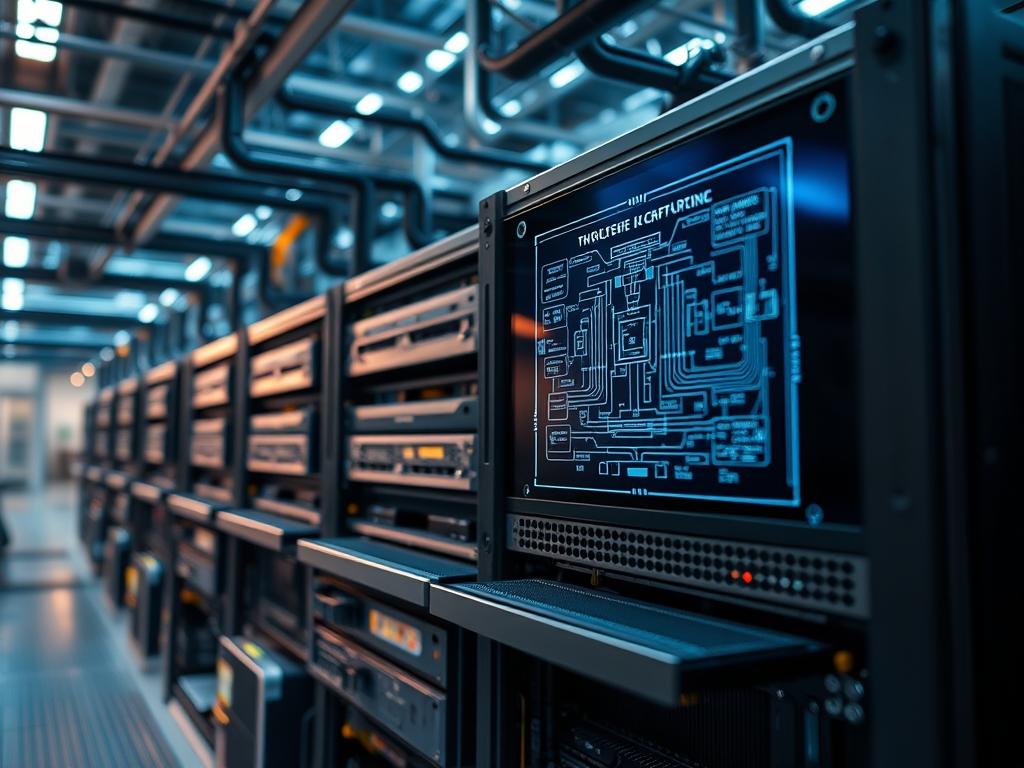
Blade server chassis logic represents the integrated management layer and physical routing fabric designed to consolidate compute, storage, and networking into a single high-density enclosure. Within the modern data center stack, this logic manages the transition from discrete rack-mount architectures to a modular environment where shared resources maximize efficiency. The logic governs how individual blade nodes communicate with the shared backplane, also known as the midplane, which serves as the passive or active electrical conduit for all data and power. This architecture solves the problem of cable sprawl and power inefficiency by centralizing cooling and power delivery. However, it introduces complex requirements for signal integrity and management synchronization. The fundamental goal of the chassis logic is to provide a seamless interface between the external network and the internal compute nodes while managing the thermal-inertia of the entire system as a single thermodynamic unit. Failure to properly configure this logic leads to signal-attenuation across the midplane, increased packet-loss, and potential mechanical failure of the components due to improper power sequencing.
Technical Specifications
| Requirement | Default Port/Operating Range | Protocol/Standard | Impact Level (1-10) | Recommended Resources |
| :— | :— | :— | :— | :— |
| Management Controller | Port 443 (HTTPS) / 623 (IPMI) | IPMI 2.0 / DMTF Redfish | 10 | Dual-Core ARM / 2GB SDRAM |
| Backplane Data Rate | 10Gbps to 100Gbps per lane | IEEE 802.3bj / PCIe Gen 4/5 | 9 | High-TG PCB / Gold Plated Pins |
| DC Power Delivery | 12.2V to 12.6V DC | PMBus / SMBus | 8 | 80 Plus Platinum PSU |
| Thermal Monitoring | 10C to 35C (Inlet) | I2C / Precision Thermistors | 7 | Variable Speed PWM Fans |
| Internal Switching | L2/L3 Line Rate | OpenFlow / RPVST+ | 9 | ASIC with 12MB Shared Buffer |
The Configuration Protocol
Environment Prerequisites:
Successful deployment of blade server chassis logic requires adherence to specific electrical and network standards. The facility must provide 208V or 240V AC power to support the high-density power distribution units (PDUs) required by the chassis. Network infrastructure must support Link Aggregation Control Protocol (LACP) for uplink redundancy. The management station must have ipmitool, ssh, and a modern browser for the Chassis Management Controller (CMC) interface. User permissions must include “Chassis Administrator” or root-level access to the Management Module (MM). Ensure that all firmware versions across the blades and the CMC are synchronized to avoid orchestration conflicts.
Section A: Implementation Logic:
The engineering design of a blade chassis relies on the concept of encapsulation. Data departing a blade node is encapsulated within the backplane protocol before being switched or routed to external uplinks. This design ensures that the physical layer remains idempotent; regardless of how many times a blade is reseated, the logic assigned to that slot (such as MAC addresses or WWNs) remains consistent. The blade server chassis logic acts as the primary arbiter for power allocation. When a blade is inserted, the logic performs a handshake over the I2C bus to determine the power requirements of the payload. If the requested power exceeds the remaining budget of the power supplies, the logic will deny the power-on request to protect the integrity of the remaining nodes.
Step-By-Step Execution
1. Initialize Chassis Management Module
Connect via serial console or the dedicated management port to the CMC. Run the command connect cmc or browse to the static IP.
System Note: This action initializes the primary logic engine. It loads the operating kernel of the management module and begins polling the internal sensors for environmental status.
2. Configure Virtual Reseating Logic
Execute the command racadm set BIOS.Slot.1 VirtualReseat Enabled (or equivalent for your vendor).
System Note: This command triggers a logic-level power cycle on the specific slot. It resets the management controller (iDRAC/iLO/IMM) on the blade without requiring physical intervention, reducing mechanical wear on the backplane connectors.
3. Define Power Budgeting Policy
Access the power management settings using ipmitool -H
System Note: This sets the power capping logic. It prevents the chassis from drawing more current than the circuit breakers can handle. The logic monitors the throughput of electricity and scales the CPU frequency of the blades if the thermal-inertia of the room rises too quickly.
4. Provision Midplane I/O Fabrics
Navigate to the I/O module configuration. Use the command config-io-fabric –mode transparent.
System Note: Transparent mode ensures that the chassis logic acts as a pass-through for network packets. This reduces the overhead of internal switching and minimizes latency for high-throughput applications. It relies on the external Top-of-Rack (ToR) switch to handle the heavy lifting of frame processing.
5. Validate Signal Integrity
Run the diagnostic tool diag-backplane –check-attenuation –slot all.
System Note: This checks for signal-attenuation across the high-speed differential pairs on the midplane. It measures the decibel loss to ensure that data integrity is maintained at high frequency. If the loss exceeds 15dB, it indicates a physical obstruction or pin corrosion.
Section B: Dependency Fault-Lines:
The most common point of failure in blade server chassis logic is firmware mismatch between the CMC and the individual compute blades. If the CMC uses a newer version of the IPMI protocol than the blade, the logic may fail to report sensor data, leading to a false thermal-shutdown. Another bottleneck is signal-attenuation caused by dust accumulation in the high-density connectors of the backplane. This causes intermittent packet-loss that is difficult to trace. Finally, concurrency issues can arise when multiple blades attempt to boot simultaneously, causing a temporary voltage sag that triggers the under-voltage lockout (UVLO) circuit in the power supplies.
THE TROUBLESHOOTING MATRIX
Section C: Logs & Debugging:
When a blade fails to initialize, the first point of analysis should be the System Event Log (SEL). Access this via ipmitool sel list. Look for the error string “Incompatibility detected: I/O Fabric Mismatch”. This indicates that the mezzanine card installed in the blade does not match the switch module installed in the corresponding chassis bay.
For physical layer issues, examine the path /var/log/chassis/hw_monitor.log. Search for the keyword “I2C timeout”. This indicates that the management bus is congested or blocked by a faulty component. Use a fluke-multimeter to check the voltage across the 12V rails on the backplane to confirm power delivery. If the log shows “FCOE_INIT_FAILURE”, check the encapsulation settings on the converged network adapter (CNA) to ensure it matches the upstream storage fabric.
OPTIMIZATION & HARDENING
– Performance Tuning: To maximize throughput, enable Jumbo Frames (MTU 9000) across all backplane interfaces. This reduces the CPU overhead associated with packet processing. Configure the fan logic for “Maximum Performance” rather than “Fresh Air” to keep the thermal-inertia low, allowing the CPUs to stay in Turbo Boost mode for longer durations.
– Security Hardening: Disable insecure protocols such as Telnet and HTTP. Use chmod 600 on all local configuration files within the management shell. Enable “Chassis Lockdown Mode” which prevents any hardware changes or firmware updates without a secondary physical authentication key. Implement VLAN separation for the management traffic to prevent unauthenticated users from accessing the chassis logic.
– Scaling Logic: When expanding the chassis footprint, use a multi-chassis management group. This allows a single IP address to manage up to 10 chassis, treating them as a single logical entity. Ensure that the “Group Lead” logic is redundant; if the primary chassis fails, the secondary should take over the orchestration duties immediately to prevent downtime.
THE ADMIN DESK
How do I fix a ‘Communication Lost’ error on slot 4?
This is usually a management bus hang. Run racadm racreset on the CMC. If the issue persists, virtually reseat the blade using the management command to re-initialize the I2C handshake with the backplane.
Why are the fans running at 100% when temperature is low?
Check for a “Chassis Intrusion” alert or a mismatched I/O module. The logic defaults to maximum cooling if it cannot verify the hardware profile of a component to prevent potential thermal damage.
What causes periodic packet-loss across the backplane?
Signal-attenuation is the likely culprit. Inspect the midplane pins for bends or debris. Also, verify that the blade is fully seated and the handles are locked, as partial contact increases resistance and signal noise.
How do I update firmware without taking the whole chassis down?
Use the “Staged Update” feature in the CMC. This allows you to upload the payload to the management module and apply it to each blade one-by-one, ensuring concurrency does not overwhelm the shared power supply.
Can I mix different blade models in the same chassis?
Yes, provided the chassis logic supports both generations. Always check the compatibility matrix and ensure the power supplies have enough headroom to support the highest-wattage payload across all occupied slots.

