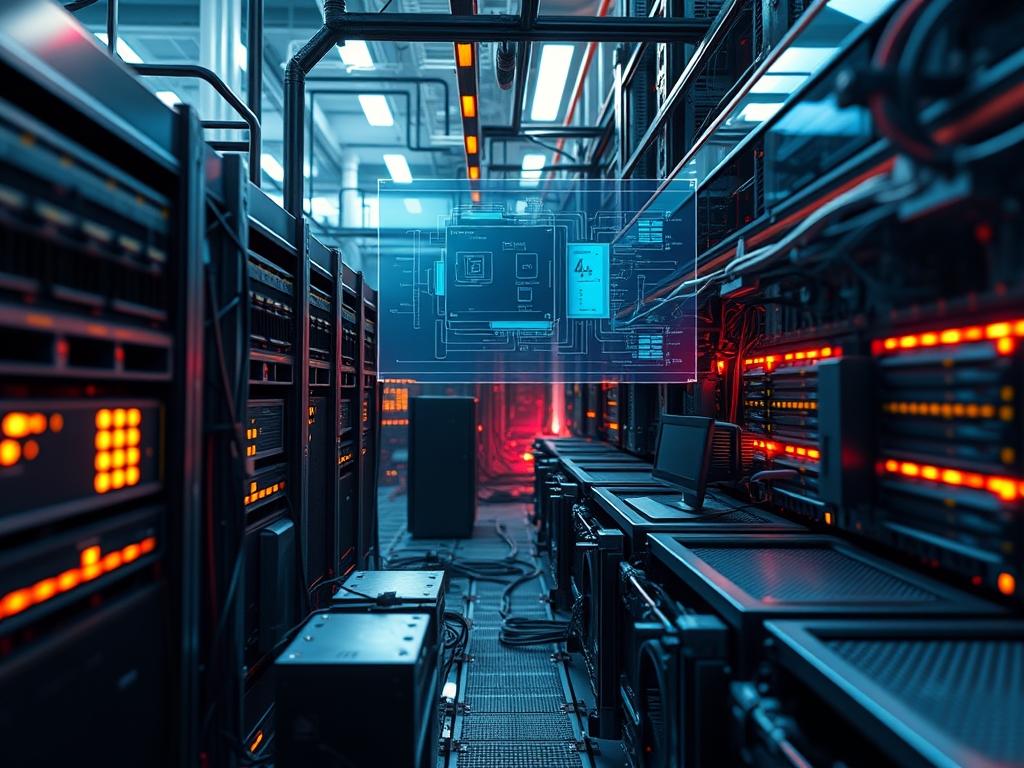
The effective management of compute node power density remains the primary bottleneck in the evolution of hyperscale data centers and high performance computing (HPC) environments. As modern architectural demands shift toward artificial intelligence and dense GPU clusters, the power envelope of a single rack often exceeds 50kW. This manual addresses the critical intersection of electrical distribution and thermal dissipation. Compute node power density is defined as the ratio of consumed electrical energy to the physical volume of the compute asset within a standard 19 inch rack. Failure to precisely calculate and monitor this value results in thermal runaway, localized hotspots, and the eventual activation of circuit protection mechanisms. Within the broader technical stack, this falls under Energy and Cloud Infrastructure Management. The current problem involves the disparity between legacy power delivery units (PDUs) and high performance hardware requests. The solution requires a deterministic approach to rack wattage statistics: integrating Intelligent Power Distribution Units (iPDUs), Baseboard Management Controllers (BMCs), and real time telemetry to ensure infrastructure stability and mitigate signal-attenuation caused by electromagnetic interference in high amperage environments.
Technical Specifications
| Requirement | Default Port/Operating Range | Protocol/Standard | Impact Level (1-10) | Recommended Resources |
| :— | :— | :— | :— | :— |
| PDU Management | Port 161 (SNMP) | SNMPv3 / Modbus TCP | 9 | Dedicated 1GbE Management Port |
| Node Telemetry | Port 623 (UDP) | IPMI 2.0 / Redfish | 8 | BMC with 512MB RAM minimum |
| Voltage Stability | 208V – 415V AC | IEC 60309 | 10 | 3-Phase Delta or Wye circuit |
| Thermal Threshold | 18C – 27C (Inlet) | ASHRAE A1-A4 | 7 | 1.5x Airflow Throughput (CFM) |
| Firmware Logic | v4.5 or higher | UEFI / ACPI 6.3 | 6 | Persistent CMOS/NVRAM |
The Configuration Protocol
Environment Prerequisites:
1. Physical installation must comply with NEC Article 645 for Information Technology Equipment.
2. Intelligent PDUs must support SNMPv3 with AES-256 encryption for secure payload delivery.
3. Compute nodes must be equipped with IPMI 2.0 compliant sensors or Redfish API endpoints.
4. Administrative access requires root privileges on the monitoring gateway and Administrator level credentials on the BMC network.
5. Network segmentation: management traffic must be isolated via VLAN to prevent packet-loss and minimize latency during high load events.
Section A: Implementation Logic:
The engineering design for compute node power density monitoring relies on the principle of thermal-inertia and electrical load balancing. By treating the rack as a closed thermodynamic system, we can predict the impact of computational spikes on the facility cooling infrastructure. The goal is to create an idempotent reporting cycle where each query to the power bus returns a consistent and accurate wattage reading regardless of previous state. We rely on the encapsulation of sensor data within standardized protocols to reduce the overhead of constant polling. When a compute node increases its throughput, the resulting amperage draw generates heat as a byproduct of electrical resistance. If the density of these nodes is too high, the thermal-inertia of the cooling medium (air or liquid) may be insufficient to remove energy at the rate it is produced, leading to hardware throttling or catastrophic failure.
Step-By-Step Execution
1. Establish PDU Connectivity and OID Mapping
Identify the Management Information Base (MIB) for your specific PDU hardware. Use the tool snmpwalk -v3 -u admin -l authPriv -a SHA -A [password] -x AES -X [password] [PDU_IP] to verify that the power bus is responsive.
System Note: This command initiates a walk of the SNMP tree. On the underlying kernel, this creates a temporary socket to handle the UDP payload, verifying that the network path is clear of signal-attenuation or firewall blocks.
2. Configure Node Level Telemetry via BMC
Access each compute node via the command line utility ipmitool -I lanplus -H [Node_IP] -U [User] -P [Pass] sdr type “Power Supply”. This will return the instantaneous wattage draw for each power supply unit (PSU) within the chassis.
System Note: The ipmitool utility communicates directly with the Baseboard Management Controller. This bypasses the host operating system, ensuring that power statistics are available even if the primary kernel is in a hung state or experiencing high concurrency issues.
3. Baseline Thermal and Power Correlation
Execute the sensors command (from the lm-sensors package) to map internal component temperatures to current power consumption. Redirect this output to a log file located at /var/log/power_density_baseline.log.
System Note: This step links physical hardware state to logical compute load. Changes in the thermal delta allow the architect to determine if the current compute node power density is sustainable based on the rack’s specific airflow profile.
4. Implement Dynamic Voltage and Frequency Scaling (DVFS)
To manage density spikes, configure the cpufreq-set -g powersave or cpufreq-set -g performance governor based on current rack wattage statistics.
System Note: Modifying the CPU governor interacts with the ACPI tables in the system firmware. This limits the maximum frequency of the processor, effectively capping the power payload and preventing the rack from exceeding its allocated circuit amperage.
5. Finalize Threshold Alerts and Fail-Safe Logic
Edit the configuration file located at /etc/snmp/snmptrapd.conf to include triggers for “OverCurrent” and “CriticalTemp” events. Restart the service using systemctl restart snmptrapd.
System Note: This ensures that if the compute node power density crosses a predefined limit, the system automatically triggers an alert or a graceful shutdown. This prevents physical damage to the bus bars or the power distribution infrastructure.
Section B: Dependency Fault-Lines:
Modern high density racks are sensitive to harmonic distortion and phase imbalance. If compute nodes are distributed unevenly across three-phase power, the neutral wire may carry excess current, leading to thermal stress in the cabling. Always ensure that the physical load is balanced across L1, L2, and L3. Furthermore, firmware discrepancies between the BMC and the PDU can lead to “ghost” readings where the reported wattage does not match the actual draw. This is often caused by an incorrect scaling factor in the SNMP MIB file. Verify all MIBs against the manufacturer’s latest release to ensure the data integrity of your rack wattage statistics.
The Troubleshooting Matrix
Section C: Logs & Debugging:
The first point of failure in power density monitoring is usually the management network. If nodes appear offline, check the switch logs for CRC errors which indicate signal-attenuation or physical cable faults.
Error String: “IPMI MI_ERR_UNSPECIFIED”
- Path: Examine /var/log/ipmievents or use ipmitool sel list.
- Cause: This usually indicates a BMC internal hang.
- Resolution: Perform a cold reset of the BMC using ipmitool bmc reset cold. This action is idempotent and will not affect the running host OS, but it will restart the management sub-processor.
Error String: “PDU Phase Imbalance Warning”
- Path: Check the PDU web interface or SNMP OID .1.3.6.1.4.1.318.1.1.12.2.3.1.1.2 (example for APC).
- Cause: Too many high wattage nodes are plugged into a single bank of outlets.
- Resolution: Physically redistribute the compute node power cords to different phases or outlets to balance the amperage load.
Visual Cues from Diagrams:
If the rack map shows a “red” status on middle-of-rack nodes but “green” on top-of-rack nodes, you are likely experiencing heat recirculation. The compute node power density is too high for the current perforated tile arrangement in the raised floor. Verify the CFM (Cubic Feet per Minute) throughput of your perforated tiles.
Optimization & Hardening
Performance Tuning:
To maximize throughput without exceeding power limits, implement “Power Capping” via the Intel Node Manager or AMD APML. Set a hard limit on the wattage each node can pull. This allows for higher concurrency in node population by ensuring the aggregate draw never trips a breaker. This effectively maximizes the utilization of the available electrical circuit.
Security Hardening:
Power infrastructure is a high value target. Isolate all PDU and BMC management interfaces. Change default credentials immediately. Ensure that the SNMP community strings are not “public” or “private.” Use iptables or nftables to restrict access to the management ports to a specific “jump box” IP address. This prevents unauthorized users from executing power-off commands which could cause data corruption or service downtime.
Scaling Logic:
As you expand from a single rack to a full row, the compute node power density must be managed at the Row Distribution Frame (RDF). Utilize a “Pod” architecture where power is monitored at the busway level. This allows for horizontal scaling while maintaining granular visibility. Use automated scripts to parse /var/log/messages for thermal warnings across the entire fleet, allowing for proactive migration of virtual machine payloads from “hot” nodes to “cool” nodes.
The Admin Desk
How do I calculate the maximum node count for a 30A 208V rack?
Calculate total available power: 30A 208V 0.8 (derating) = 4,992W. Divide this by the peak wattage of your compute node (e.g., 500W). This allows for 9 nodes per rack with a safe overhead buffer.
What is the fastest way to check power draw on a Linux server?
If the hardware supports it, use perf stat -e power/energy-pkg/ sleep 1. This leverages the Running Average Power Limit (RAPL) interface to provide precision energy consumption data for the CPU package and DRAM directly from the hardware counters.
Why is my PDU reporting higher wattage than the sum of my servers?
This discrepancy is caused by power conversion overhead within the PSUs and the PDU itself. Additionally, fans and cooling components draw power that may not be accounted for in the internal component sensors but are captured by the PDU.
Can high power density affect network latency?
Yes. High amperage cables generate electromagnetic interference (EMI). If data cables are not properly shielded or are run too close to power bus bars, EMI can cause packet-loss and retransmissions, which directly increases network latency and reduces overall throughput.
What is the impact of inlet temperature on power density?
Higher inlet temperatures force server fans to spin at higher RPMs. This increases the “parasitic load” of the compute node. A 5 degree increase in inlet temperature can result in a 5 percent increase in total node power consumption.

