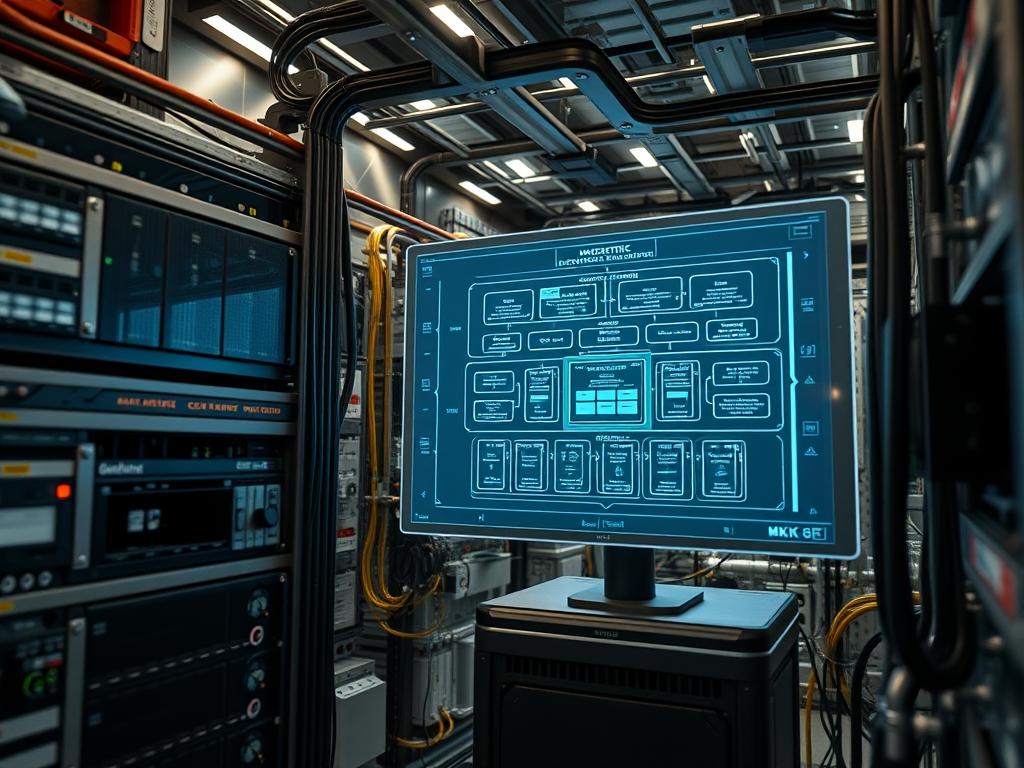
Container orchestration hardware constitutes the foundational substrate for modern distributed computing systems. In high-density environments, the physical layer directly dictates the performance ceilings of the virtualized layers. This manual addresses the critical intersection of bare-metal server components and containerized workloads; specifically focusing on how hardware selection affects pod density, network throughput, and system stability. The primary challenge involves balancing resource oversubscription with the physical limitations of the CPU, Memory Controller, and Network Interface Cards (NICs). By aligning hardware specifications with orchestration requirements, architects can minimize latency and maximize concurrency while ensuring that encapsulation overhead does not degrade the payload delivery speed. This document serves as a standard for deploying robust infrastructures capable of sustaining high-traffic loads across interconnected nodes, mitigating risks such as signal-attenuation in interconnects and thermal-inertia in high-density rack configurations.
TECHNICAL SPECIFICATIONS
| Requirement | Default Port/Operating Range | Protocol/Standard | Impact Level (1-10) | Recommended Resources |
| :— | :— | :— | :— | :— |
| Control Plane API | 6443 / TCP | IEEE 802.3ad | 10 | 16GB RAM / 4 vCPU |
| Kubelet Communication | 10250 / TCP | TLS 1.3 | 8 | 2GB RAM Reserved |
| Overlay Networking | 4789 / UDP | VXLAN / Geneve | 9 | SFP28 25GbE NIC |
| Storage Fabric | 3260 / TCP | iSCSI / NVMe-oF | 7 | 100Gbps InfiniBand |
| Thermal Threshold | 20C – 25C | ASHRAE A1-A4 | 6 | Redundant Fan Arrays |
| Management Interface | 623 / UDP | IPMI 2.0 / Redfish | 5 | Dedicated BMC Port |
THE CONFIGURATION PROTOCOL
Environment Prerequisites:
Successful deployment of container orchestration hardware requires adherence to specific structural and logical dependencies. Hardware must support Intel VT-x or AMD-V virtualization extensions enabled within the BIOS/UEFI. Network infrastructure must comply with IEEE 802.1Q for VLAN tagging and IEEE 802.3bz for multi-gigabit speeds. Minimum kernel requirements involve Linux Kernel 5.10+ to support modern eBPF features and cgroup v2 hierarchies. Users must possess root or sudo privileges on the master nodes and physical access to the Serial Console for initial provisioning. All power distribution units (PDUs) should be rated for the peak draw of the Power Supply Units (PSUs) to prevent voltage sags during high computation spikes.
Section A: Implementation Logic:
The engineering design of pod density metrics relies on the relationship between logical cores and the container runtime. Each pod introduces a memory and compute overhead due to the encapsulation of its filesystem and network namespace. To achieve idempotent deployments, the hardware must provide deterministic I/O. We utilize NUMA (Non-Uniform Memory Access) awareness to ensure that a pod’s memory allocation resides on the same physical socket as its scheduled CPU core. Failing to align NUMA topologies results in significant latency as data crosses the Ultra Path Interconnect (UPI) or Infinity Fabric. Furthermore, we address signal-attenuation by utilizing active optical cables for runs exceeding five meters, ensuring that packet-loss does not interfere with the control plane’s heartbeat signals.
Step-By-Step Execution
1. Verify Hardware Virtualization and IOMMU Support
The first step involves validating that the CPU and Motherboard are configured to handle direct hardware access for containers and virtual machines. Execute the command lscpu | grep Virtualization to confirm the presence of VT-x or AMD-V. Following this, verify IOMMU settings by checking /sys/kernel/iommu_groups/.
System Note: This action ensures the kernel can isolate device memory spaces. Without IOMMU, the system cannot perform SR-IOV (Single Root I/O Virtualization), which is vital for high-performance pod networking directly through the NIC.
2. Configure Kernel Isolation and GRUB Parameters
To optimize pod density, we must prevent the host operating system from over-scheduling background tasks on cores intended for container workloads. Modify the file /etc/default/grub and append isolcpus=1-23 rcu_nocbs=1-23 to the GRUB_CMDLINE_LINUX_DEFAULT variable. Apply changes using update-grub and perform a systemctl reboot.
System Note: This command instructs the Linux kernel to exclude specific logical cores from the general-purpose scheduler. This reduces context-switching overhead and ensures that high-priority pods have exclusive access to silicon resources, thereby stabilizing throughput.
3. Initialize High-Performance Network Fabric
High pod density requires a network stack capable of handling rapid concurrency. Configure the NIC for maximum efficiency by enabling Large Receive Offload (LRO) and Generic Segmentation Offload (GSO) using the tool ethtool -K eth0 lro on gso on. Additionally, set the MTU (Maximum Transmission Unit) to 9000 for Jumbo Frame support in the file /etc/network/interfaces.
System Note: Tuning these parameters reduces the CPU cycles spent processing individual packets. By offloading segmentation to the hardware NIC, we minimize packet-loss and increase the efficiency of the local network bridge.
4. Deploy the Container Runtime Interface (CRI)
Install the containerd or CRI-O runtime and configure the cgroup driver to match the system manager. Edit /etc/containerd/config.toml and ensure SystemdCgroup = true is enabled. Restart the service using systemctl restart containerd.
System Note: Aligning the runtime with systemd prevents the “split-brain” scenario where two different managers attempt to track resource usage for the same process. This is essential for maintaining accurate pod density metrics and preventing OOM (Out of Memory) kills.
5. Calibrate Pod Density Limits via Kubelet
The kubelet service must be told exactly how many pods the hardware can sustain before latency becomes unacceptable. Edit the kubelet configuration file, commonly located at /var/lib/kubelet/config.yaml, and set maxPods: 110 and podsPerCore: 10. Use systemctl daemon-reload followed by systemctl restart kubelet.
System Note: These variables define the upper bounds of the orchestration logic. Setting these too high leads to memory pressure; setting them too low wastes expensive DRAM and CPU resources.
Section B: Dependency Fault-Lines:
Hardware-level orchestration often fails at the firmware-driver interface. A common bottleneck is the SATA/SAS Controller throughput; if the local disk cannot sustain the IOPS required for container image extraction, the node will enter a “NotReady” state. Another fault-line is the SFP+ transceiver compatibility. Third-party modules often cause signal-attenuation or intermittent link flaps, resulting in packet-loss that disrupts the etcd consensus mechanism. Lastly, library conflicts between glibc and the container runtime can lead to idempotent deployment failures where pods crash immediately upon startup due to syscall mismatches.
THE TROUBLESHOOTING MATRIX
Section C: Logs & Debugging:
When a node fails under high pod density, the first point of inspection is the kernel ring buffer accessible via dmesg -T. Look specifically for “Out of Memory: Kill process” or “Hardware Error” strings. High-density failures often manifest as MCE (Machine Check Exception) logs, indicating that the CPU or DIMM has exceeded its stable operating range.
For network-related issues, analyze the output of ip -s link show. If the “dropped” or “overrun” counters are incrementing, the hardware NIC buffer is saturated. To debug actual data flow, use tcpdump -i any -n to capture traffic on specific VLAN tags. For physical health monitoring, utilize ipmitool sdr list to verify that the Fan Speed and Voltage Rails are within the acceptable ASHRAE envelopes. If the thermal-inertia of the server chassis is high, the internal sensors may show a slow but steady temperature rise that eventually triggers CPU throttling, which drastically increases application latency.
OPTIMIZATION & HARDENING
Performance Tuning:
To maximize throughput, implement HugePages on the host nodes. By allocating 2MB or 1GB memory pages instead of the standard 4KB pages, the Translation Lookaside Buffer (TLB) hit rate increases significantly. This is particularly effective for high-density database pods where memory access patterns are intensive. Furthermore, setting the CPU Governor to performance mode via cpupower frequency-set -g performance ensures that the processor does not down-clock during periods of transient low load, eliminating the latency associated with frequency ramping.
Security Hardening:
Protect the hardware interface by disabling all unused ports in the BIOS/UEFI and enforcing Secure Boot. Within the operating system, use iptables or nftables to restrict access to the Kubelet API and the Management Interface. Ensure that all administrative traffic for IPMI or Redfish travels over a dedicated, physically isolated management network to prevent out-of-band exploits.
Scaling Logic:
Scaling high-density orchestration requires a modular “rack-and-stack” approach. As traffic increases, additional worker nodes should be provisioned with identical hardware specifications to maintain idempotent behavior. Use a global load balancer to distribute the payload across multiple racks, ensuring that a single top-of-rack switch failure does not cause a total outage. Monitor the aggregate East-West traffic for signs of congestion and scale the network backbone to 100GbE or 400GbE as the pod-to-core ratio exceeds 15:1.
THE ADMIN DESK
How do I identify a NUMA bottleneck?
Run numastat -n to view memory hit rates. If “foreign_alloc” counts are high, pods are accessing memory from the wrong socket. This increases latency. Use a NUMA-aware scheduler to pin pods to specific physical CPU sockets.
Why is my 25GbE NIC only hitting 10Gbps?
Check for signal-attenuation by examining the SFP+ diagnostic data via ethtool -m. Also, verify the PCIe slot version. A Gen3 x4 slot is required for full 25Gbps throughput. Ensure the MTU is consistent across all switches and nodes.
What causes “NodeNotReady” during high pod density?
This usually indicates a Kubelet timeout or disk pressure. Check /var/log/syslog for “PLEG” (Pod Lifecycle Event Generator) errors. Ensure the SSD/NVMe drive has sufficient IOPS to handle the concurrent container logging and image layering operations.
How can I reduce packet-loss in VXLAN overlays?
Enable UDP Checksum Offload on the hardware NIC. Overlay encapsulation adds 50 bytes of overhead. Without hardware offloading, the host CPU must calculate checksums for every packet, which leads to bottlenecks and drops during high concurrency bursts.
How does thermal-inertia affect my cluster?
In high-density racks, the heat builds up faster than fans can evacuate it. This thermal-inertia means that even after a load spike subsides, the CPU may stay throttled. Use predictive fan curves in the BMC to pre-cool the chassis before scheduled jobs.

