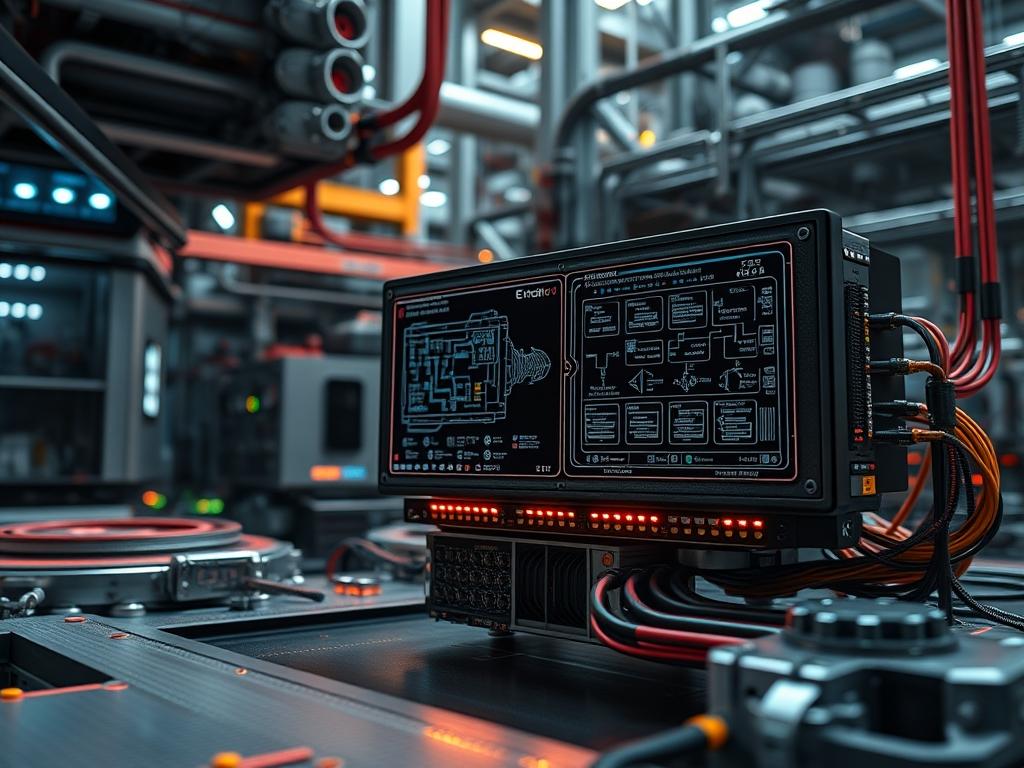
Deployment of drone edge compute modules represents a fundamental shift from centralized cloud dependency to localized, low-latency intelligence. In the context of critical infrastructure such as energy grids, water treatment facilities, and high-density network arrays, the ability to process telemetry at the source is vital. Traditional cloud-based processing introduces unacceptable latency; this can lead to catastrophic system failure if a drone cannot make a millisecond-level decision during a high-tension cable inspection or a structural integrity flight. By integrating drone edge compute modules, the industrial stack gains a layer of resilient processing capable of handling massive data throughput without saturating backhaul links. This manual addresses the integration of these modules to solve the problem of signal-attenuation and bandwidth bottlenecks. This system ensures that the payload is analyzed onboard, transmitting only the actionable insights rather than raw, high-resolution video streams. This approach reduces overall network overhead and ensures that mission-critical tasks remain idempotent across varied hardware deployments.
TECHNICAL SPECIFICATIONS
| Requirement | Operating Range | Protocol/Standard | Impact Level | Recommended Resources |
| :— | :— | :— | :— | :— |
| Input Voltage | 12V to 24V DC | IEEE 802.3at (PoE+) | 10 | 5A Dedicated Rail |
| Data Throughput | 1 Gbps to 10 Gbps | PCIe Gen 4 / USB 3.2 | 8 | NVMe SSD Storage |
| Inference Latency | < 15ms | TensorRT / ONNX | 9 | 8GB LPDDR5 RAM |
| Operating Temp | -40C to 85C | MIL-STD-810G | 7 | Active Heatsink |
| Signal Interface | 2.4 / 5.8 GHz | MAVLink / ROS2 | 6 | UART/I2C Headers |
| Edge Compute SoC | 15W to 60W TDP | ARMv8.2 (64-bit) | 9 | NVIDIA Orin / Xavier |
THE CONFIGURATION PROTOCOL
Environment Prerequisites:
Systems must adhere to the following baseline requirements before module activation:
1. Operating System: Ubuntu 20.4 LTS or 22.04 LTS (JetPack 5.x/6.x compatibility).
2. Kernel Modules: v4l2loopback and i2c-dev must be enabled via modprobe.
3. User Permissions: The user must belong to the video, i2c, and dialout groups to access hardware peripherals.
4. Standard Compliance: Electrical installations must comply with NEC Article 725 for Class 2 remote-control and signaling circuits.
5. Firmware: DJI O3 or MAVLink compatible flight controller running ArduPilot or PX4 firmware.
Section A: Implementation Logic:
The engineering design of drone edge compute modules relies on the principle of data encapsulation and localized inference. By placing a high-performance GPU or TPU directly on the airframe, we eliminate the need for a continuous high-bandwidth uplink. The logic follows a “Filter-at-Source” methodology: raw sensor data enters the CSI-2 or USB 3.0 interface, is processed via a neural network, and only the metadata (e.g., “Fault Detected: Insulator Crack”) is sent over the radio link. This minimizes the risk associated with signal-attenuation and packet-loss in high-EMI environments like power substations. Furthermore, utilizing containerized environments like Docker ensures that the processing environment is idempotent, preventing “configuration drift” across a fleet of 50 or 100 drones.
Step-By-Step Execution
1. Hardware Integration and Power Sequencing
Secure the Edge Compute Module to the drone chassis using M3 nylon standoffs to prevent short circuits. Connect the XT30 or XT60 power lead to a regulated PDB (Power Distribution Board) output.
System Note: Ensuring a steady voltage is critical; voltage ripples can cause the SoC to trigger a hard reset. Using a fluke-multimeter, verify that the input voltage does not sag below 11.8V under a simulated motor load.
2. Flashing the Base Operating System
Connect the module to a Linux host machine via USB-C. Use the flash.sh script or the NVIDIA SDK Manager to push the specialized kernel image to the onboard eMMC or NVMe drive.
System Note: This process overwrites the partition table and installs specific L4T (Linux for Tegra) drivers. It configures the low-level bootloader to initialize the PCIe lanes necessary for high-speed data throughput.
3. Network and Peripheral Configuration
Navigate to /etc/netplan/01-netcfg.yaml and define a static IP address for the drone internal network. Execute sudo netplan apply to commit changes. Enable the serial communication ports using chmod 666 /dev/ttyTHS0.
System Note: Static IP assignment prevents the loss of connectivity during a DHCP lease renewal. Modifying the permissions on ttyTHS0 allows the MAVLink bridge to communicate with the flight controller without requiring root elevation.
4. Dependency and Toolchain Installation
Update the package repository and install the essential libraries: sudo apt-get update && sudo apt-get install -y python3-pip libopencv-dev ros-humble-desktop-full.
System Note: Installing libopencv-dev links the hardware acceleration headers to the vision processing pipeline. This allows the system to offload image resizing and filtering tasks to the VIC (Video Image Compositor), reducing CPU overhead.
5. Service Daemon Deployment
Create a systemd service file at /etc/systemd/system/edge_compute.service to manage the lifecycle of the inference engine. Enable the service with sudo systemctl enable edge_compute.service.
System Note: Using systemctl ensures that the compute module resumes processing immediately after a power-cycle or an in-flight reboot. The Restart=always flag in the service file provides a fail-safe mechanism against software crashes.
Section B: Dependency Fault-Lines:
The primary bottleneck in drone edge compute modules is thermal-inertia. Since drones often hover or fly in high-ambient-temperature zones, the TDP (Thermal Design Power) can exceed the cooling capacity of passive heatsinks. If the SoC reaches 90C, thermal throttling will occur, causing a massive spike in latency and a drop in inference throughput. Another frequent fault-line is the library version conflict; specifically, mismatching CUDA versions and TensorRT binaries will lead to a Segmentation Fault upon model initialization. Finally, mechanical vibrations from the motors can loosen MIPI-CSI ribbon cables, resulting in intermittent camera feed failures that are difficult to diagnose without checking the kernel ring buffer.
THE TROUBLESHOOTING MATRIX
Section C: Logs & Debugging:
When a module fails to initialize or provides erratic throughput, the first point of audit is the system log.
- Log Path: /var/log/syslog or use journalctl -u edge_compute.service.
- Error Code `I2C_TRANSFER_TIMEOUT`: This indicates a hardware communication failure between the compute module and a sensor. Check for physical cable damage or electromagnetic interference from the ESCs.
- Error Code `NVRM: GPU Zero Initialization Failed`: This usually points to a power rails issue. The GPU is not receiving enough current to initialize its cores.
- Visual Cues: A blinking red LED on the module typically indicates a “Power Good” fault; a solid green LED with no network activity indicates a “kernel panic”.
- Kernel Verification: Run dmesg | grep -i csi to verify that the camera sensors were detected during the boot sequence. If no output is returned, the DTB (Device Tree Blob) may be misconfigured.
OPTIMIZATION & HARDENING
Performance Tuning:
To maximize throughput, the system power profile must be locked. Use the command sudo nvpmodel -m 0 to set the module to its maximum performance mode. Additionally, use the jetson_clocks tool to pin the CPU and GPU frequencies; this eliminates the latency jitter caused by dynamic frequency scaling. For high-concurrency tasks, optimize the memory footprint by utilizing Unified Memory architectures, allowing the CPU and GPU to share pointers rather than copying data across the bus.
Security Hardening:
Edge modules are often physically accessible; therefore, hardware security is paramount. Disable all unused ports and services: sudo systemctl disable ssh (unless required) and use ufw (Uncomplicated Firewall) to restrict incoming traffic to only the ground control station IP. Filesystems should be mounted as “Read-Only” where possible to prevent corruption during sudden power loss. Implement LUKS encryption on the data partition to protect sensitive infrastructure imagery if the drone is lost or captured.
Scaling Logic:
As the data requirements grow, the edge setup can be scaled using a lightweight Kubernetes distribution such as K3s. By treating each drone as a node in a localized cluster, you can distribute non-flight-critical processing tasks across multiple nearby drones using a mesh network. This creates a distributed compute fabric that maintains high throughput even if a single drone edge module fails.
THE ADMIN DESK
How do I handle a “Read-only file system” error after a crash?
This occurs when the EXT4 journaling detects corruption. Run sudo fsck -y /dev/mmcblk0p1 from a recovery shell to repair the filesystem. To prevent recurrence, ensure the module has a dedicated backup capacitor for graceful shutdowns.
Why is my inference latency increasing during long flights?
This is likely due to thermal-inertia. The heatsink cannot dissipate heat fast enough, triggering a CPU throttle. Inspect the thermal paste and ensure the module is positioned in the prop-wash of the drone for active cooling.
Can I run multiple neural networks concurrently on one module?
Yes, by using CUDA streams. This allows the GPU to execute multiple kernels in parallel. Ensure your RAM overhead is monitored using tegrastats to avoid out-of-memory kills by the Linux kernel.
What causes “packet-loss” in the telemetry stream if the compute module is healthy?
Examine the radio link for signal-attenuation. High-voltage power lines create significant EMI. Ensure your antennas are oriented correctly and the MAVLink heartbeat interval is set to at least 1Hz to maintain a persistent connection.
How do I update the software across a fleet without manual flashing?
Use Ansible or balenaOS for over-the-air (OTA) updates. By creating an idempotent deployment script, you can push container images to the entire fleet simultaneously, ensuring consistent versioning across all drone edge compute modules.

