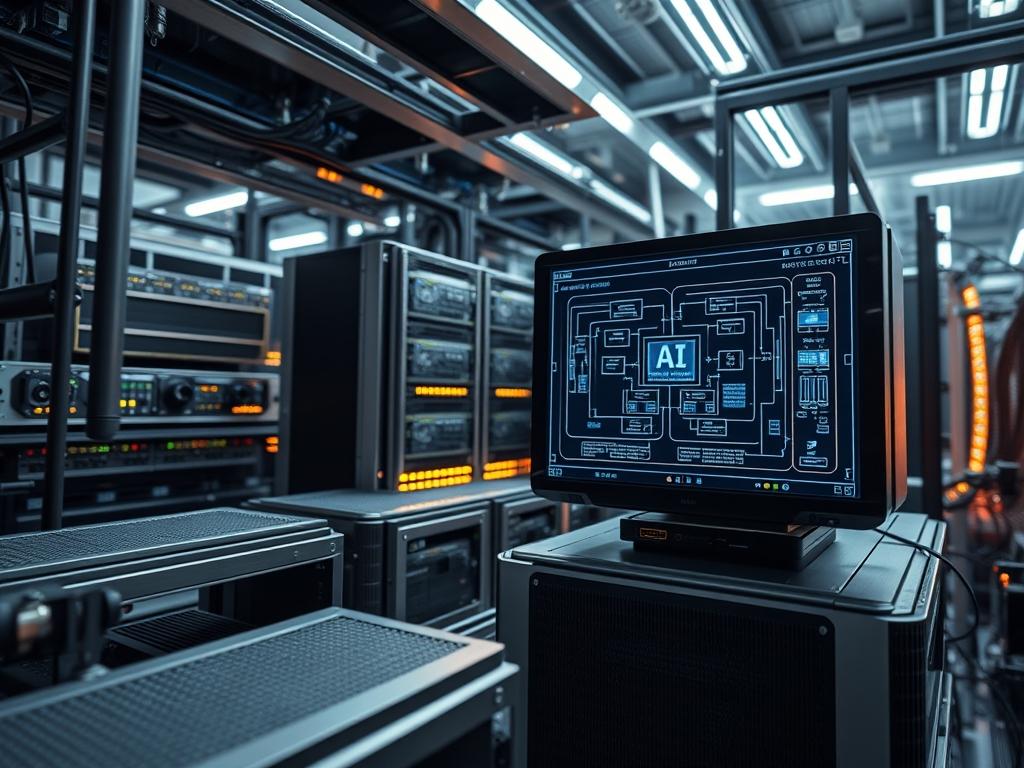
Edge AI training hardware represents a paradigm shift from centralized cloud compute to decentralized, localized intelligence. It functions as a critical bridge between raw sensor data and real time decision making in high stakes environments such as power grids, water treatment facilities, and industrial automation networks. Unlike traditional inference only devices, modern edge training modules focus on incremental learning and model refinement at the site of data generation. This reduces backhaul latency and minimizes data transit costs while maintaining data privacy via local encapsulation. Within the technical stack, these units interface directly with Programmable Logic Controllers (PLCs) and Supervisory Control and Data Acquisition (SCADA) systems. The primary challenge involves managing high thermal inertia and power constraints while executing computationally expensive backpropagation algorithms. By deploying robust edge ai training hardware, organizations can mitigate packet loss and signal attenuation issues that typically plague remote cloud dependencies: this ensures operational continuity in disconnected or bandwidth limited scenarios where immediate model adaptation is required to handle drift.
Technical Specifications
| Requirement | Default Port / Operating Range | Protocol / Standard | Impact Level (1-10) | Recommended Resources |
| :— | :— | :— | :— | :— |
| Compute Engine | -40C to +85C | PCIe Gen 4/5 x8 | 10 | 12-Core ARM v8.2+ |
| Distributed API | 8080 or 5000 | gRPC / Protobuf | 8 | 32GB LPDDR5 |
| Model Synchronizer | 1883 (MQTT) / 443 (HTTPS) | TLS 1.3 / MQTT | 7 | 1GbE / Wi-Fi 6E |
| Local Storage I/O | 250MB/s Sequential | NVMe M.2 Key-M | 9 | 512GB Industrial SSD |
| Training Kernel | CUDA 12.2+ or ROCm 5.6+ | OpenCL / Vulkan | 9 | 2048-core CUDA GPU |
| Power Interface | 12V to 48V DC | IEEE 802.3bt (PoE++) | 8 | 60W TDP (Peak) |
THE CONFIGURATION PROTOCOL
Environment Prerequisites:
The deployment environment must adhere to specific software and electrical standards to ensure idempotent behavior across the node cluster. Core requirements include:
1. Ubuntu 22.04 LTS (Kernel 5.15+) or a specialized Yocto Project distribution.
2. NVIDIA Container Toolkit or equivalent hardware abstraction layer.
3. Python 3.10+ with build-essential and python3-dev packages.
4. User permissions: Current user must be in the sudo, docker, and video groups.
5. Compliance with NEC Class I, Division 2 if deployed in hazardous industrial zones.
Section A: Implementation Logic:
The engineering design for edge ai training hardware centers on the concept of Federated Learning and Online Gradient Descent. Traditional training requires a static dataset: however, edge environments utilize a continuous data stream where model weights are updated in small batches. The implementation logic employs a local aggregator that performs “on-device” backpropagation on new payloads before encapsulating the resulting weight gradients. These gradients, rather than the raw data, are transmitted to the global model. This approach minimizes signal attenuation and network overhead. The hardware must be configured to prioritize throughput for tensor operations while maintaining low concurrency for non-essential background services to preserve thermal-inertia margins. By treating each edge node as an independent compute unit, we achieve a system that is resilient to single point failures in the cloud.
Step-By-Step Execution
1. Initialize System Power Profiles: sudo nvpmodel -m 0
System Note: This command sets the hardware to its maximum performance mode by unlocking all CPU and GPU cores and disabling aggressive frequency scaling. This is necessary to prevent latency spikes during the weight calculation phase of training.
2. Verify GPU Driver and CUDA State: nvidia-smi
System Note: This checks the communication between the underlying Linux kernel and the discrete or integrated GPU. It ensures that the nvidia-persistenced service is active: which prevents the driver from unloading and reloading between training batches, a common source of overhead.
3. Provision Training Container: docker run –runtime nvidia –rm -it edge-train:latest
System Note: Utilizing the –runtime nvidia flag mounts the specialized device drivers into the containerized environment. This creates an isolated user space with the correct library versions for libcudnn, preventing library conflicts with the host operating system.
4. Configure Networking and Port Forwarding: sudo ufw allow 8080/tcp
System Note: This updates the host firewall rules using ufw to allow the Federated Learning aggregator to communicate with the node. Standardizing on port 8080 ensures consistent packet routing through industrial switches and gateway logic-controllers.
5. Execute Training Script with Real Time Priority: chrt -f 99 python3 train_node.py
System Note: Using the chrt command sets the process to a SCHED_FIFO scheduling policy with maximum priority. This prevents the system kernel from preempting the training process: which is vital for maintaining steady throughput when the node is also processing high frequency sensor data.
Section B: Dependency Fault-Lines:
Installation and operation of edge ai training hardware often encounter three primary bottlenecks. First, memory fragmentation on 16GB or 32GB systems can trigger the Linux Out-Of-Memory (OOM) killer if the batch size is too large: developers must implement gradient accumulation as a workaround. Second, power supply instability (under-voltage) often occurs when the GPU hits peak TDP: this causes a kernel panic or hard reboot. Using a fluke-multimeter to verify 12V rail stability during a synthetic load test is mandatory. Third, “Missing Shared Objects” errors usually indicate a mismatch between the host’s libnvidia-compute version and the container’s CUDA toolkit version.
THE TROUBLESHOOTING MATRIX
Section C: Logs & Debugging:
When a node fails to synchronize, the first point of inspection is the system log located at /var/log/syslog. Search specifically for “NVRM: GPU at … has fallen off the bus”: this indicates a hardware or thermal failure. For application-specific errors, developers should redirect the output of the training process to a localized log file: python3 train.py > /var/log/edge_train.log 2>&1.
If the hardware appears sluggish, use tegrastats or htop to monitor per-core utilization and thermal-inertia. Visual cues on the physical chassis, such as a red LED on the logic-controller, often correlate with I2C bus errors. In such cases, use i2cdetect -y -r 1 to verify that all on-board sensors are responding. For federated metrics, check the “Staleness” of the local model updates: if the delay exceeds 5000ms, investigate the network layer for packet loss or signal attenuation in the wireless backhaul.
OPTIMIZATION & HARDENING
– Performance Tuning: To maximize throughput, enable HugePages in the kernel to reduce Translation Lookaside Buffer (TLB) misses. Set the scaling governor to “performance” using the cpufreq-set utility. For thermal efficiency, implement an active cooling loop that triggers via temp_control_daemon once the SoC reaches 70C: this prevents thermal throttling during long training cycles.
– Security Hardening: Secure the edge ai training hardware by disabling all unused services via systemctl disable. Implement a Trusted Platform Module (TPM) 2.0 to store encryption keys for the federated learning payloads. Use iptables to restrict traffic exclusively to the aggregator’s IP address: this minimizes the attack surface against the training node.
– Scaling Logic: As the network grows from 10 to 1,000 nodes, transition from manual configuration to a container orchestration tool like K3s (Lightweight Kubernetes). This allows for automated scheduling and rolling updates of the training model across the entire geographical footprint without manual intervention.
THE ADMIN DESK
How do I resolve a “CUDA out of memory” error?
Reduce the training batch size in your configuration file or enable mixed precision training (FP16). This reduces the memory footprint of the activation maps stored on the GPU. You can also monitor usage with nvidia-smi -l 1.
Why is the node’s thermal-inertia causing throttling?
Edge training generates significant heat. Ensure the heat sink has sufficient surface area and check the thermal paste application. You can use nvpmodel to define a lower power cap (e.g., 30W) to maintain stability at the cost of speed.
How are federated learning metrics verified?
Check the “Global Loss” and “Accuracy” logs on the central aggregator. If a specific node shows high “Gradient Variance,” it may be training on corrupted sensor data. Isolate the node and recalibrate its local sensors using a logic-controller reset.
What is the primary cause of signal attenuation?
In industrial settings, electromagnetic interference from high voltage equipment often degrades Wi-Fi or LTE signals. For edge ai training hardware, use shielded Cat6a cables or move the external antenna outside of the metal enclosure to ensure a stable connection.
How do I update the training logic across all nodes?
Use an idempotent deployment tool like Ansible or a K3s manifest. This ensures that every node receives the same software version and configuration simultaneously: this prevents version drift which can destabilize the global federated model during weight aggregation.

