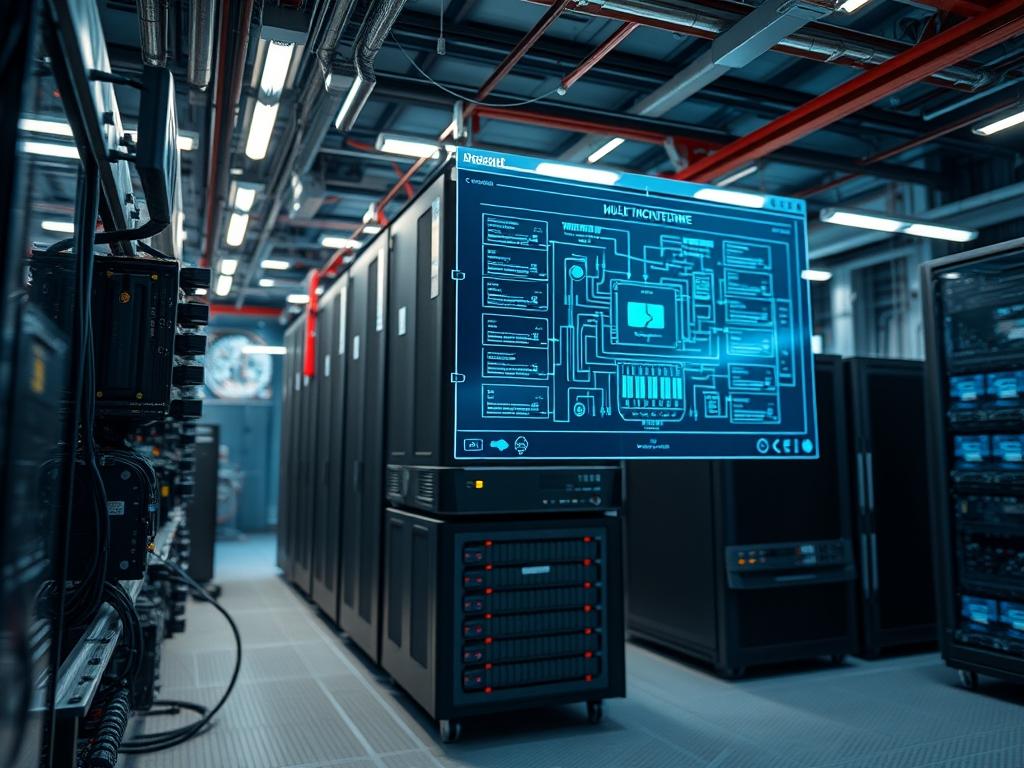
Multi tenant server hardware represents the primary abstraction layer where physical infrastructure transitions into software-defined services. In the modern technical stack, this hardware is the bedrock for Cloud Service Providers, high-density network functions, and edge computing nodes. The fundamental problem addressed by multi tenant architecture is the efficient distribution of a finite resource pool across disparate, often competing, workloads while maintaining strict isolation. Without rigorous hardware-level enforcement, a single compromised or resource-hungry tenant can trigger a “noisy neighbor” effect: inducing significant latency or packet-loss for others on the same host. The solution involves a deep integration of Silicon-level features such as Intel VT-d or AMD-Vi, Non-Uniform Memory Access (NUMA) balancing, and Single Root I/O Virtualization (SR-IOV). By implementing these specs, architects ensure that the payload of one tenant is cryptographically and physically sequestered from another, maximizing throughput and maintaining high concurrency across the entire multi tenant server hardware cluster.
TECHNICAL SPECIFICATIONS
| Requirement | Default Port/Operating Range | Protocol/Standard | Impact Level (1-10) | Recommended Resources |
| :— | :— | :— | :— | :— |
| I/O Virtualization | PCIe Gen 4/5 | SR-IOV / ACS | 10 | 128 Virtual Functions |
| Memory Isolation | 2933-4800 MT/s | ECC / AES-NI | 9 | 16GB RAM / Tenant |
| Network Tunnels | Port 4789 (VXLAN) | IEEE 802.1Q / Geneve | 8 | 25GbE SFP28 NIC |
| CPU Pinning | 2.0 – 3.8 GHz | x86_64 / VT-x | 10 | Dedicated L3 Cache |
| Storage Isolation | NVMe 1.3/1.4 | NVMe-oF / Namespaces | 7 | 1TB NVMe / Tenant |
| Thermal Monitoring | 35C – 75C | IPMI 2.0 / Redfish | 6 | High-Static Pressure Fans |
THE CONFIGURATION PROTOCOL
Environment Prerequisites:
Successful deployment of a multi tenant environment requires a specific alignment of hardware and software versions. The physical server must support IOMMU (Input-Output Memory Management Unit) and SR-IOV via the BIOS or UEFI. Minimum software requirements include a Linux Kernel 5.10 or higher; this ensures stable support for advanced PCIe features. Operators must have sudo or root level permissions and access to tools like lspci, iproute2, and numactl. All network switches connected to the host must support VLAN tagging (IEEE 802.1Q) to maintain encapsulation consistency across the fabric.
Section A: Implementation Logic:
The logic of multi tenant isolation relies on the removal of the hypervisor as a bottleneck. Traditionally, the hypervisor intercepts every I/O request, adding significant overhead. By utilizing SR-IOV, the physical hardware is partitioned into multiple Virtual Functions (VFs). These VFs are mapped directly into the address space of a guest virtual machine. This bypasses the software bridge, reducing latency to near-native levels. Furthermore, by enforcing NUMA affinity, we align the CPU execution core with its locally attached memory controller. This prevents the “cross-talk” penalty that occurs when a CPU on Socket 0 attempts to access memory on Socket 1, a scenario that significantly degrades throughput and increases jitter.
Step-By-Step Execution
1. BIOS and Kernel IOMMU Activation
First, access the system BIOS to enable “Intel VT-d” or “AMD-Vi” and ensure “SR-IOV Global Enable” is set to “On”. Once the system boots, modify the GRUB configuration to pass the necessary parameters to the kernel. Edit the file at /etc/default/grub and append intel_iommu=on iommu=pt to the GRUB_CMDLINE_LINUX_DEFAULT string. Run update-grub and reboot the system.
System Note: The iommu=pt (pass-through) flag is critical. It prevents the kernel from attempting to manage devices not being passed to guests, which reduces the host CPU overhead and ensures the idempotent mapping of DMA (Direct Memory Access) requests.
2. Physical Function to Virtual Function Mapping
Identify the network interface intended for multi tenant traffic using ip link show. Once identified, use the sysfs interface to create Virtual Functions. For an interface named eth0, execute: echo ‘8’ > /sys/class/net/eth0/device/sriov_numvfs.
System Note: This command triggers a hardware-level re-enumeration of the PCIe bus. Each Virtual Function appears to the operating system as a discrete PCIe device with its own unique MAC address and hardware registers. This provides hardware-level encapsulation for tenant data.
3. CPU Pinning and Isolation
To prevent shared-resource contention, isolate specific CPU cores from the host scheduler. Edit /etc/default/grub again and add isolcpus=2-15,18-31 (depending on your core topology). After a reboot, use taskset or modify your KVM/QEMU XML to bind a tenant’s process to these isolated cores.
System Note: By using isolcpus, the Linux kernel scheduler will not place general tasks on these cores. This ensures that the tenant’s concurrency is not interrupted by background system processes or IRQ handling, effectively eliminating jitter.
4. SR-IOV Network Configuration
Assign each created Virtual Function to a specific tenant and bind it to a VLAN. Use the command: ip link set eth0 vf 0 vlan 100 qos 3.
System Note: This hardware-enforced VLAN tagging ensures that the payload of a tenant is tagged at the NIC level before it even hits the physical wire. It prevents “VLAN hopping” attacks and ensures that signal-attenuation or network congestion on one VLAN does not bleed into another through software-defined bridges.
5. NVMe Namespace Partitioning
For storage isolation, utilize NVMe namespaces if supported by the drive. Use the nvme-cli tool: nvme create-ns /dev/nvme0 -s
System Note: Unlike traditional disk partitioning, namespaces provide separate command queues and hardware-level isolation within the NVMe controller. This maintains high throughput for small-block random I/O operations across multiple tenants simultaneously.
Section B: Dependency Fault-Lines:
The most common point of failure in multi tenant server hardware setups is IOMMU grouping. If the motherboard manufacturer has not properly implementation PCIe Access Control Services (ACS), the kernel may lump multiple PCIe slots into a single IOMMU group. This prevents the granular pass-through of a single device: you must pass the entire group to one tenant, which breaks the multi-tenancy model. Another bottleneck is thermal-inertia. In high-density blades, as one tenant increases CPU load, the heat dissipation may not keep pace, causing the clock speeds of adjacent cores to throttle. This creates a physical “noisy neighbor” effect that is often overlooked in software audits.
THE TROUBLESHOOTING MATRIX
Section C: Logs & Debugging:
When a Virtual Function fails to initialize or a tenant experiences packet-loss, the first point of inspection is the kernel ring buffer. Execute dmesg | grep -i iommu to verify if the hardware was successfully initialized. If you see errors stating “Device is not in ACS group”, you must either move the physical card to a different slot or apply a kernel ACS override patch (though the latter is not recommended for production).
For network-specific issues, use ip -s link show dev eth0 to check for dropped packets at the physical layer. If drops are high on the VFs but low on the Physical Function (PF), it usually indicates a buffer overflow in the NIC’s internal switch. In this case, adjust the descriptor ring size using ethtool -G
Verify memory isolation and NUMA locality using numastat -p
OPTIMIZATION & HARDENING
Performance Tuning
To maximize throughput, implement Hugepages for the memory allocated to each tenant. Standard 4KB memory pages lead to high TLB (Translation Lookaside Buffer) miss rates under high load. By configuring 1GB Hugepages in the kernel, you reduce the memory management overhead significantly. Use sysctl -w vm.nr_hugepages=32 to reserve memory at boot. This ensures that the memory is contiguous, further reducing the latency associated with memory address translation.
Security Hardening
Security in a multi tenant environment must be enforced at the hardware-software boundary. Enable SECCOMP filters and AppArmor profiles for the hypervisor process to restrict its ability to make unauthorized system calls. On the network side, implement strictly defined nftables or iptables rules on the host to drop any traffic originating from a VF that does not match its assigned MAC or IP address. This mitigates spoofing and ensures that the encapsulation layer remains the single source of truth for identity.
Scaling Logic
Scaling multi tenant server hardware requires a modular approach. Rather than increasing the size of a single host, which increases the “blast radius” of a hardware failure, scale out using a “Leaf-Spine” network topology. This allows for the movement of tenants between hosts via live migration. To support this, shared storage using NVMe-over-Fabrics (NVMe-oF) should be employed. This protocol maintains the performance of local NVMe while allowing multiple hosts to access the same storage pool, facilitating rapid scaling and disaster recovery without sacrificing throughput.
THE ADMIN DESK
How do I check if my hardware supports SR-IOV?
Run lspci -vvv and search for the Single Root I/O Virtualization (SR-IOV) capability in the output. If the “Initial VFs” and “Total VFs” fields are populated, the hardware supports virtual partitioning at the PCIe level.
Why is my tenant experiencing high network latency?
This is often caused by interrupt coalescing or NUMA misalignment. Ensure the tenant’s virtual CPUs are pinned to the same NUMA node as the physical NIC. Use ethtool -C
Can I mix different OS types on the same multi tenant host?
Yes. Hardware-level isolation (VT-d/IOMMU) makes the guest OS irrelevant to the host’s stability. As long as the guest has the appropriate drivers (e.g., virtio or SR-IOV VF drivers), isolation remains intact.
What happens if a tenant exceeds their allocated bandwidth?
The NIC firmware enforces rate-limiting at the VF level if configured via ip link set
How do I recover from an IOMMU group conflict?
You must check if your motherboard provides an “ACS Downstream Port” option in the BIOS. Enabling this typically breaks the IOMMU groups into individual slots, allowing for clean device assignment to multiple separate tenants.

