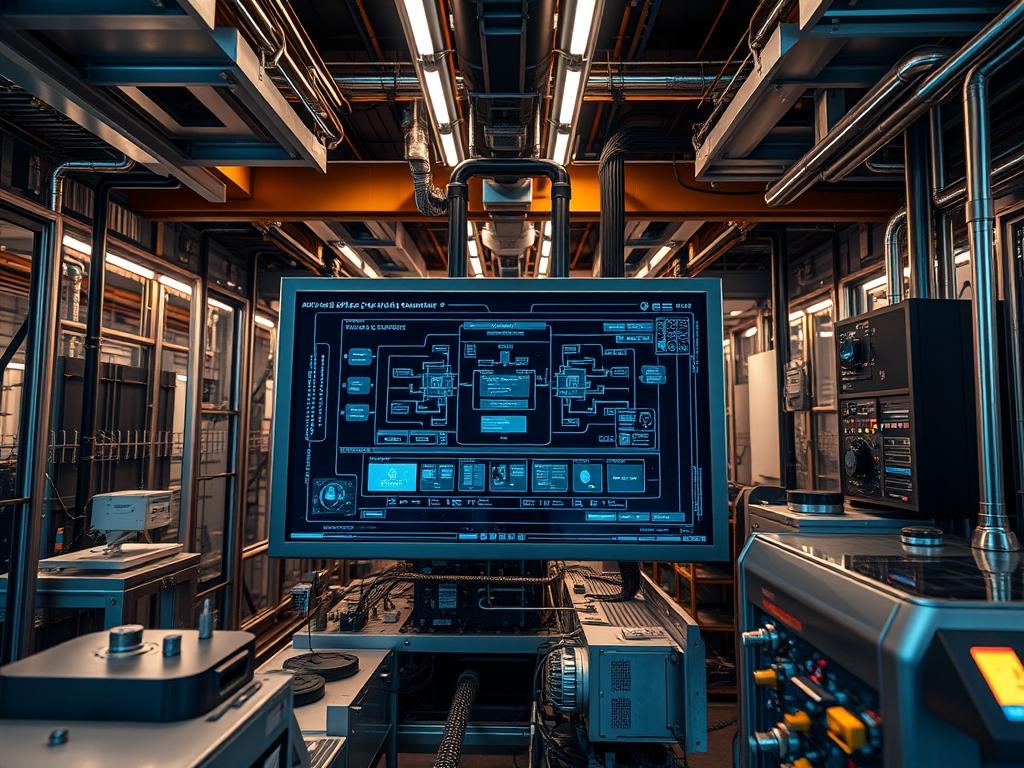
Power usage effectiveness (PUE) benchmarks serve as the primary metric for assessing the energy efficiency of high density high performance computing (HPC) centers. In an era where rack densities consistently exceed 50kW and often approach 100kW; traditional infrastructure monitoring fails to capture the granular energy loss associated with extreme computational loads. The benchmark is calculated as the ratio of total facility power to the actual power delivered to the IT equipment. In a high density environment; the objective is to minimize the energy consumed by cooling infrastructure; power distribution units (PDUs); and uninterruptible power supplies (UPS). Because HPC workloads are characterized by massive bursts of power consumption and high thermal output; maintaining a low PUE requires a dynamic response from the building management system (BMS). Achieving a PUE below 1.1 demands direct to chip liquid cooling or rear door heat exchangers; as traditional air cooling cannot mitigate the heat flux without excessive fan energy. This manual defines the rigorous standards and configuration protocols required to implement; monitor; and optimize pue efficiency benchmarks within modern HPC architectures.
Technical Specifications
| Requirement | Default Operating Range | Protocol/Standard | Impact Level | Recommended Resources |
| :— | :— | :— | :— | :— |
| Utility Power Metering | 480V/3PH (Nominal) | Modbus/TCP | 10 | CT Sensors / Logic Controllers |
| IT Load Monitoring | 208V – 240V | SNMPv3 | 10 | Intelligent Rack PDUs |
| Environmental Sensing | 18C – 27C (Inlet) | BACnet/IP | 7 | RTD Sensors / Aisles |
| Telemetry Aggregator | 15s Polling Interval | REST API / JSON | 8 | 4 vCPU / 8GB RAM / SSD |
| Airflow Management | 0.05 – 0.10 “H2O | DP Sensor | 6 | VFD Drives / PLCs |
| Cooling Loop Telemetry | 7C – 15C (CHW) | Modbus RTU | 9 | Flow Meters / BMS |
The Configuration Protocol
Environment Prerequisites:
Implementation of efficient PUE benchmarking requires adherence to the ISO 50001 energy management standard and IEEE 802.3 networking protocols for data ingestion. The systems architect must ensure that all power meters are calibrated to ANSI C12.20 accuracy class 0.5 or better. Software dependencies include Python 3.10+ for data scraping; Prometheus for time series storage; and Grafana for visualization. Administrative access to the BMS (Building Management System) and the DCIM (Data Center Infrastructure Management) suite is mandatory. All sensors must be synchronized via NTP (Network Time Protocol) to ensure time-stamped metrics are aligned within a 100ms window; as “Capture Lag” between IT load spikes and facility cooling response can lead to skewed iPUE (Instantaneous PUE) calculations.
Section A: Implementation Logic:
The logic of high density PUE benchmarking rests on the separation of “IT Power” (the energy consumed by servers; storage; and network switches) and “Facility Power” (lighting; cooling; UPS losses; and switchgear). In high density HPC centers; the primary variable is the “Cooling Overhead”. Traditional cooling relies on air-side economizers; but HPC environments utilize liquid cooling. Therefore; the logic must account for the energy consumed by CDUs (Coolant Distribution Units) and secondary loop pumps. The benchmarking engine calculates PUE as: P_Total / P_IT. To ensure accuracy; we use an idempotent collection strategy where every sensor reading is treated as a unique payload; preventing double-counting of energy during network retry events or high latency periods.
Step-By-Step Execution
1. Hardware Calibration and Sensor Deployment
Verify the accuracy of all primary utility feeds using a fluke-multimeter or a certified power quality analyzer. Install CT (Current Transformer) sensors on the main switchgear and at the output of every UPS module.
System Note: Physical installation on the primary busbars allows the BMS to capture the raw energy payload before any conversion losses. This sets the baseline for the “Facility” variable in the PUE equation.
2. Configure SNMP Exporter for Rack PDUs
Navigate to the poller configuration path at /etc/snmp_exporter/snmp.yml. Define the OID (Object Identifier) paths for active power (Watts) for all Intelligent PDUs. Execute the command: systemctl restart snmp_exporter.
System Note: This service polls the PDU firmware to extract real time power consumption. By using SNMPv3; we ensure the payload is encrypted; preventing unauthorized access to data center load profiles while maintaining high throughput.
3. Initialize IPMI Power Data Collection
On the HPC head node; script the collection of server-side power metrics using ipmitool. Run the command: ipmitool -H
System Note: This targets the BMC (Baseboard Management Controller) directly. It allows the architect to compare the power delivered by the PDU to the power actually consumed by the CPU and GPU clusters; identifying internal transformer or power supply inefficiencies within the server chassis.
4. Establish the Time Series Database
Deploy a Prometheus instance to aggregate the telemetry. Edit /etc/prometheus/prometheus.yml to include the scrape targets for both the BMS and the SNMP Exporter. Use a check command: prometheus –config.file=/etc/prometheus/prometheus.yml.
System Note: The database stores energy metrics as vectors. This allows for the calculation of rolling PUE averages; which are more representative of facility performance than instantaneous snapshots that might be influenced by momentary thermal-inertia.
5. Deploy the Calculation Engine
Configure a custom service to compute the PUE ratio. Create a script at /usr/local/bin/pue_calc.py that queries the Prometheus API for total_facility_watts and total_it_watts.
System Note: The engine performs a floating-point division of the two variables. It must handle potential “division by zero” errors during maintenance windows when P_IT might be zero; ensuring the service remains stable and the monitoring kernel does not crash.
6. Calibrate Cooling Loop Feedback
Connect the CDU logic controllers to the network via Modbus/TCP. Use the command: modpoll -m tcp -t 4 -r 100 -c 10
System Note: This step monitors the pump speed and primary/secondary loop temperatures. In high density HPC centers; cooling energy is the largest contributor to the PUE overhead. Fine-tuning the VFD (Variable Frequency Drive) parameters through this feedback loop directly improves the benchmark results.
Section B: Dependency Fault-Lines:
The most frequent failure in PUE benchmarking is the “Stale Data” conflict. If the SNMP poller for the PDUs hangs; the PUE calculation will use old IT load data against new facility load data; resulting in an artificial spike or dip. Another bottleneck is “Signal Attenuation” in long-run RS-485 serial lines used for Modbus RTU in older cooling plants. If the CRC (Cyclic Redundancy Check) fails; the data is dropped; leading to gaps in the efficiency logs. Network latency in a congested management VLAN can also lead to “Packet Loss”; where the PUE engine receives asynchronous data points; causing the ratio to fluctuate wildly.
THE TROUBLESHOOTING MATRIX
Section C: Logs & Debugging:
When PUE values appear anomalous (e.g., PUE < 1.0; which is physically impossible); auditors must inspect the raw telemetry stream.
1. Check Poller Logs: Examine /var/log/snmp_exporter.log for “Timeout” or “Unknown Object” errors. This usually indicates a firmware mismatch or a changed PDU IP address.
2. Verify Power Factor: If total facility power is significantly higher than expected; check the UPS logs at /var/log/apcupsd.log (or equivalent) for low power factor readings. A low power factor increases current draw without increasing useful work; bloating the PUE.
3. Database Consistency: Run promtool check metrics to ensure the data ingested into the time series database is not corrupted.
4. Physical Fault Codes: On the BMS console; look for “Comm Loss” codes on the BACnet trunk. If a temperature sensor fails; the cooling system may default to 100% fan speed; causing a sudden increase in auxiliary power and a resultant spike in the PUE benchmark.
5. Path Analysis: Ensure all scripts have correct execution permissions using chmod +x /usr/local/bin/pue_calc.py.
OPTIMIZATION & HARDENING
Performance Tuning:
To minimize the overhead of the monitoring system itself; utilize UDP-based protocols for sensor data where possible. Reduce the polling frequency for static variables like room temperature while maintaining high-concurrency polling for dynamic loads like the CPU rail voltage. This ensures the dashboard remains responsive without saturating the management network.
Security Hardening:
Energy data is sensitive; it can reveal computational patterns or operational schedules. Secure all SNMP traffic using v3 with SHA authentication and AES encryption. Isolate the monitoring network on a dedicated VLAN with strict Firewall rules (iptables or ufw) that only allow traffic from known collector IPs. Enable TLS 1.3 for all Grafana and REST API endpoints.
Scaling Logic:
As the HPC center expands; the monitoring architecture must scale horizontally. Use a federated Prometheus approach where each row or pod has its own local collector that summarizes data before sending it to the global “Master PUE” engine. This reduces the payload size traversing the core network and prevents the “Centralized Bottleneck” when managing thousands of individual sensors across multiple high density halls.
THE ADMIN DESK
Q: Why is my PUE fluctuating during CPU-intensive jobs?
HPC workloads cause rapid shifts in power draw. If the cooling system has high thermal-inertia; it cannot ramp up or down as fast as the servers; causing the PUE ratio to lag or spike during load transitions.
Q: Can I ignore lighting power in the PUE calculation?
No. All energy entering the facility is part of the total. While lighting is minimal in HPC centers; excluding it violates the Green Grid standards and results in an inaccurate; overly optimistic benchmark.
Q: How do I handle liquid cooling pump energy?
Pump energy is categorized as “Facility Power” unless the pump is integrated inside the server chassis. For CDUs; the energy used to circulate secondary loop fluid must be added to the cooling overhead.
Q: What is a “Good” PUE for a liquid-cooled HPC center?
Target a PUE between 1.05 and 1.10. High density centers using direct-to-chip cooling can achieve these metrics by eliminating the need for energy-intensive mechanical chillers for a majority of the operating year.
Q: What does a PUE of 1.0 mean?
A PUE of 1.0 is the theoretical limit; indicating that 100% of the energy entering the facility reaches the IT equipment. This is effectively impossible due to inevitable transformer losses and basic cooling requirements.

